

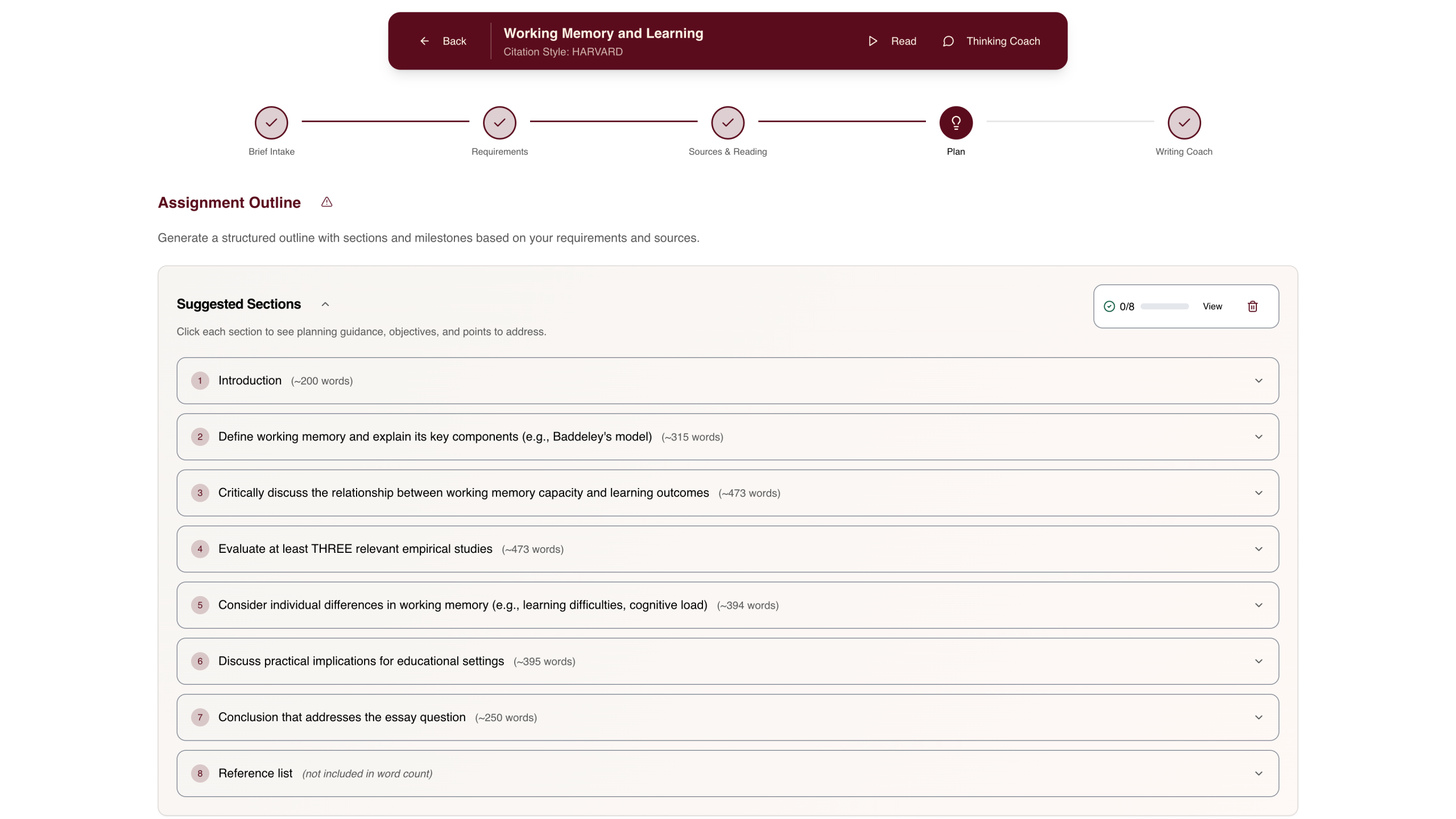
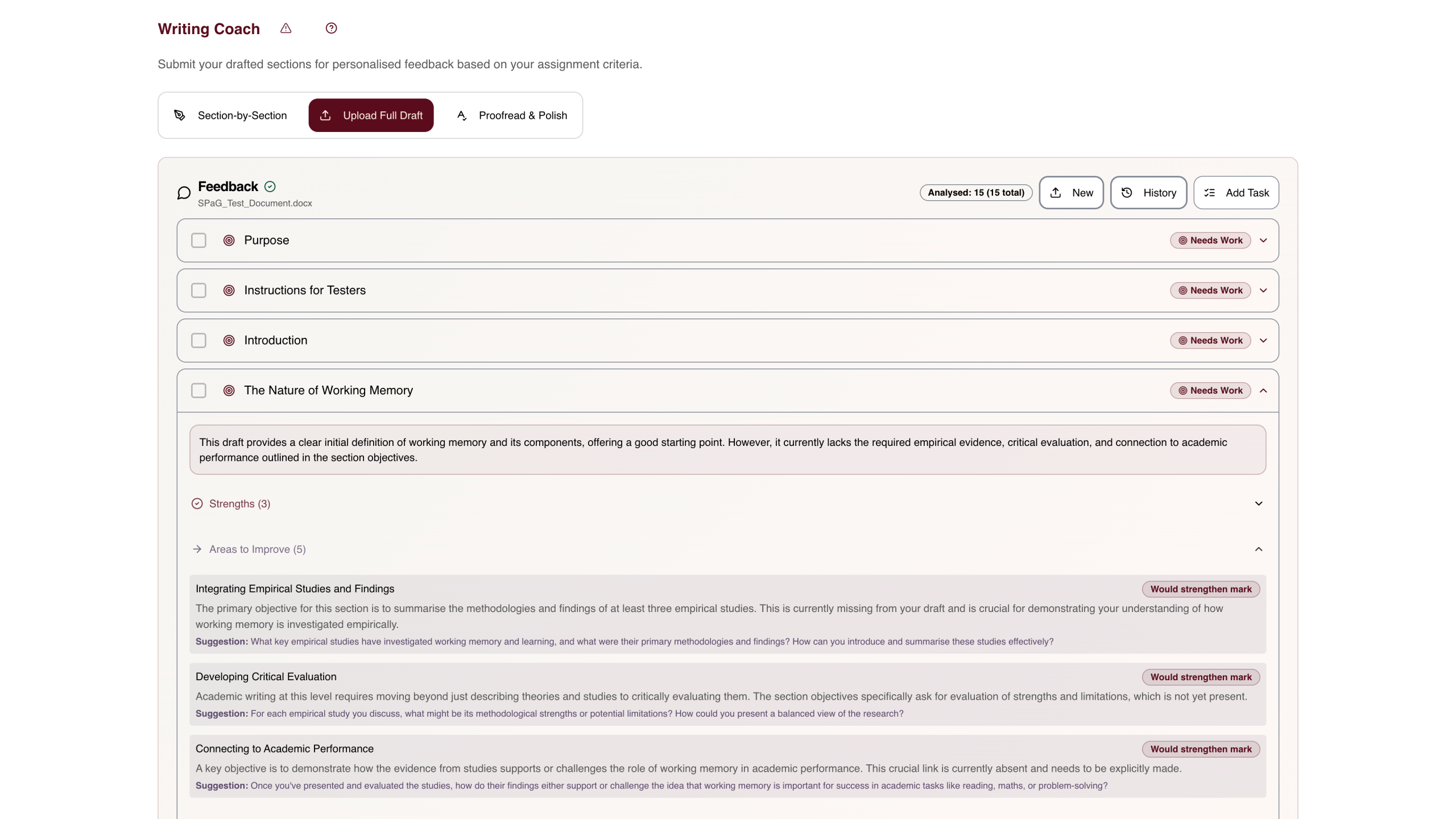
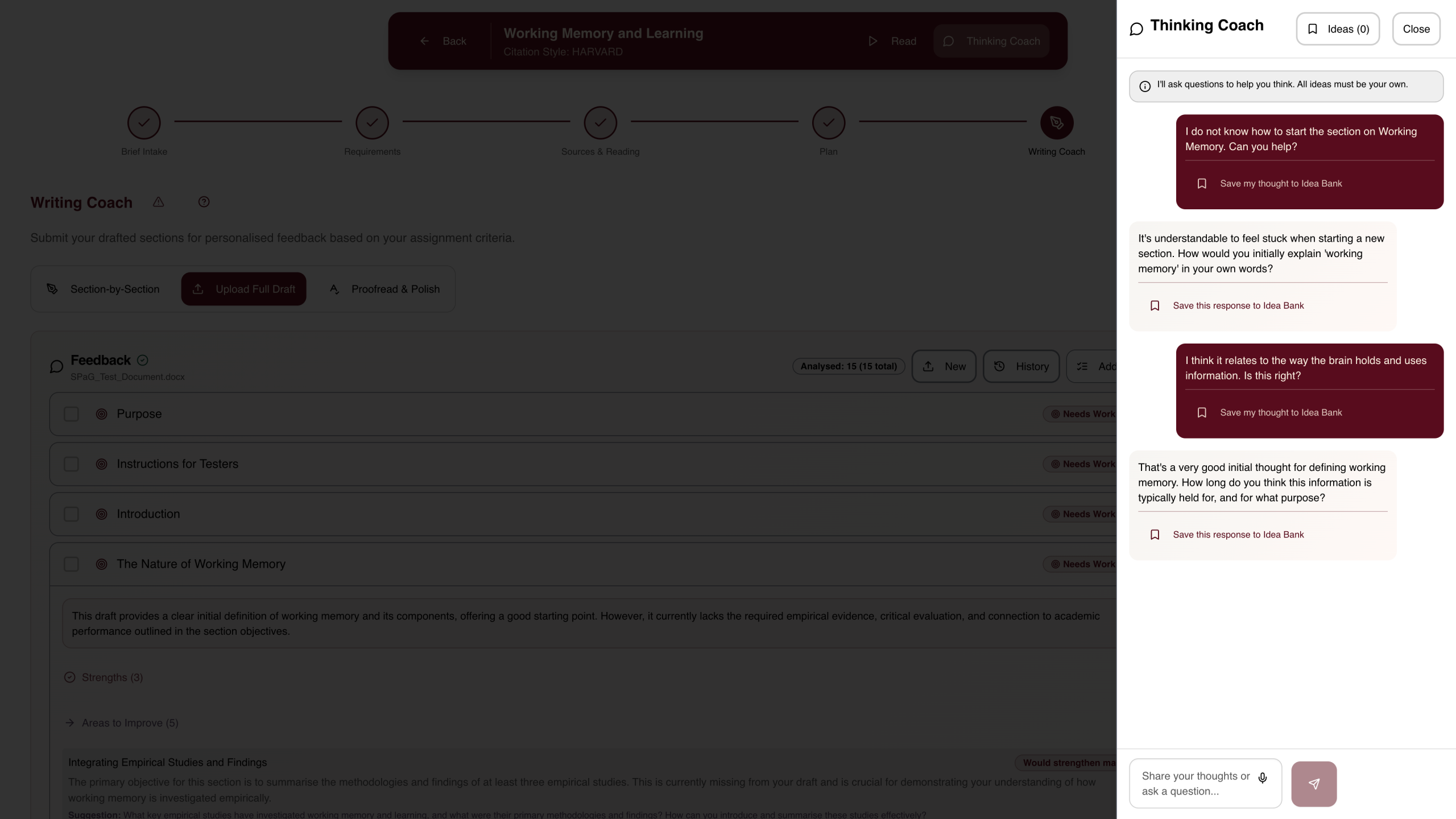
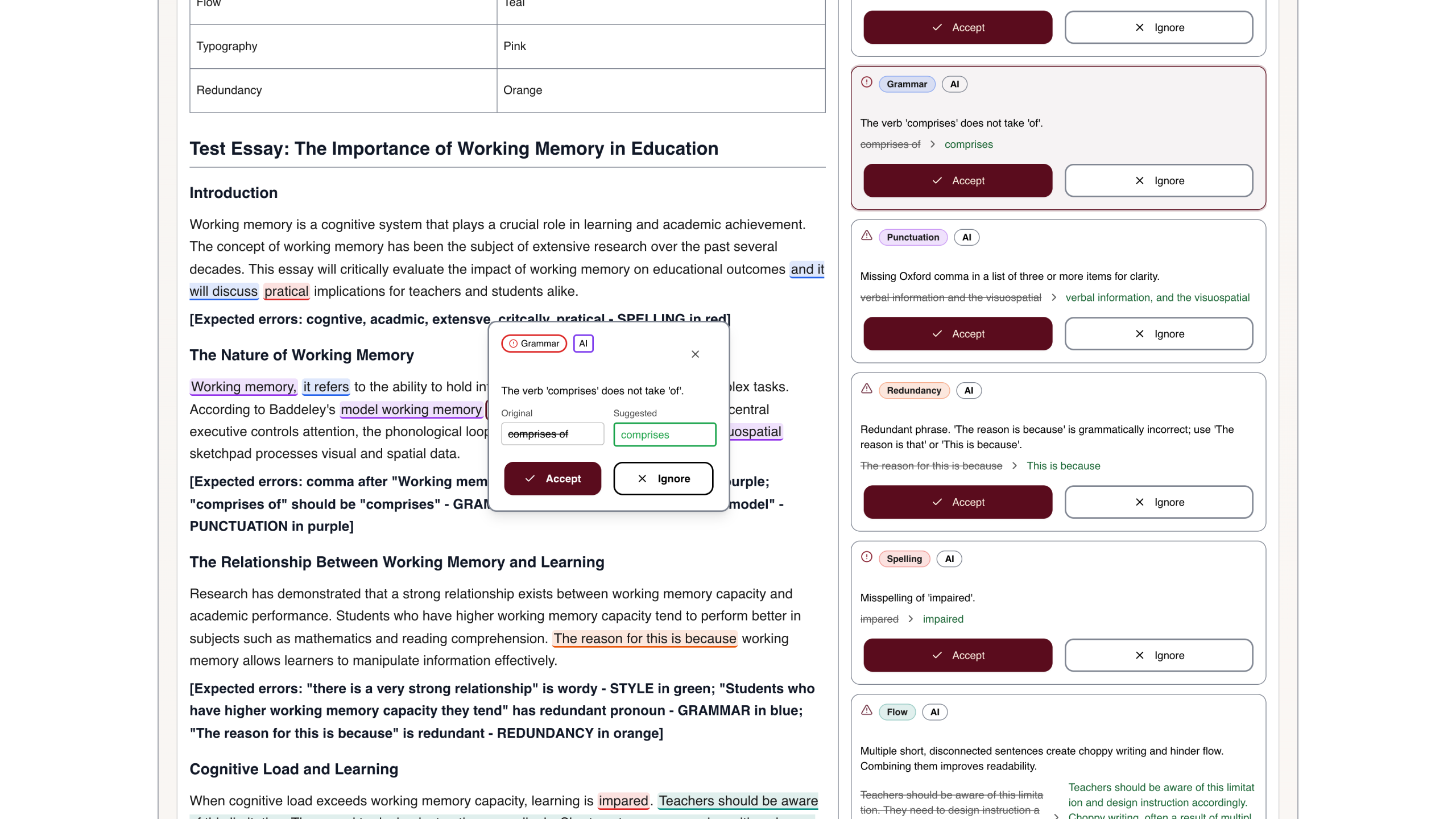
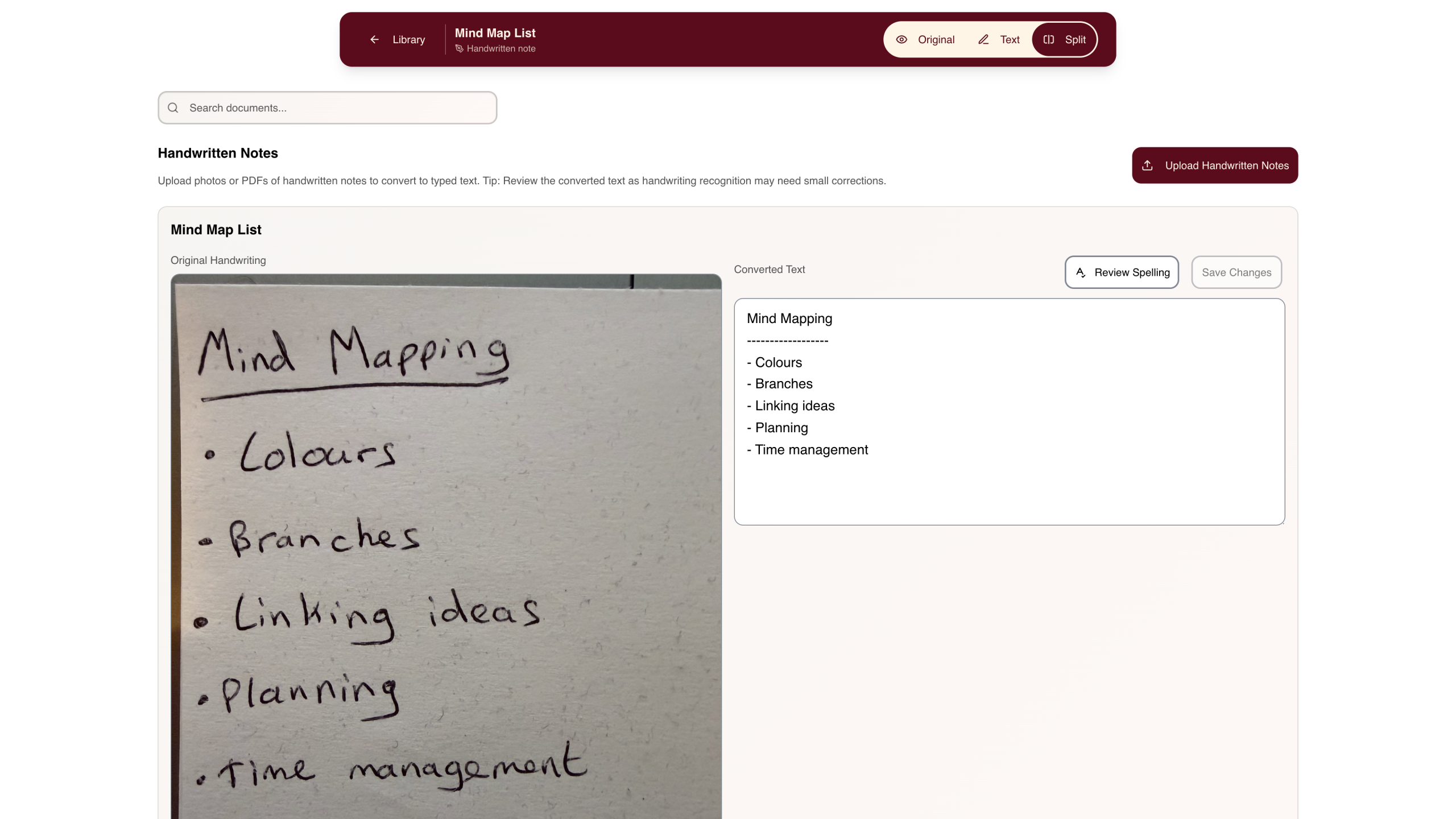
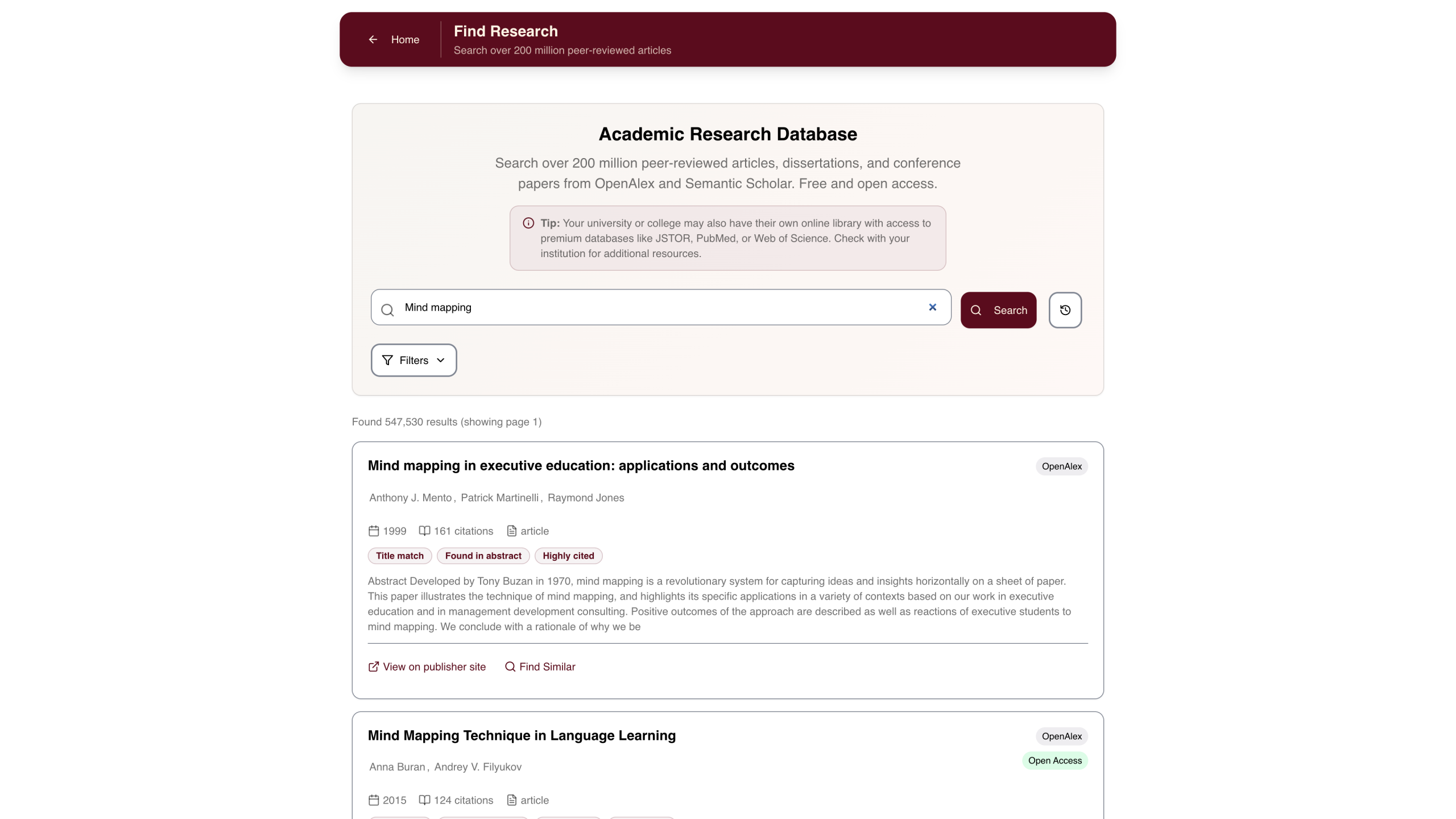
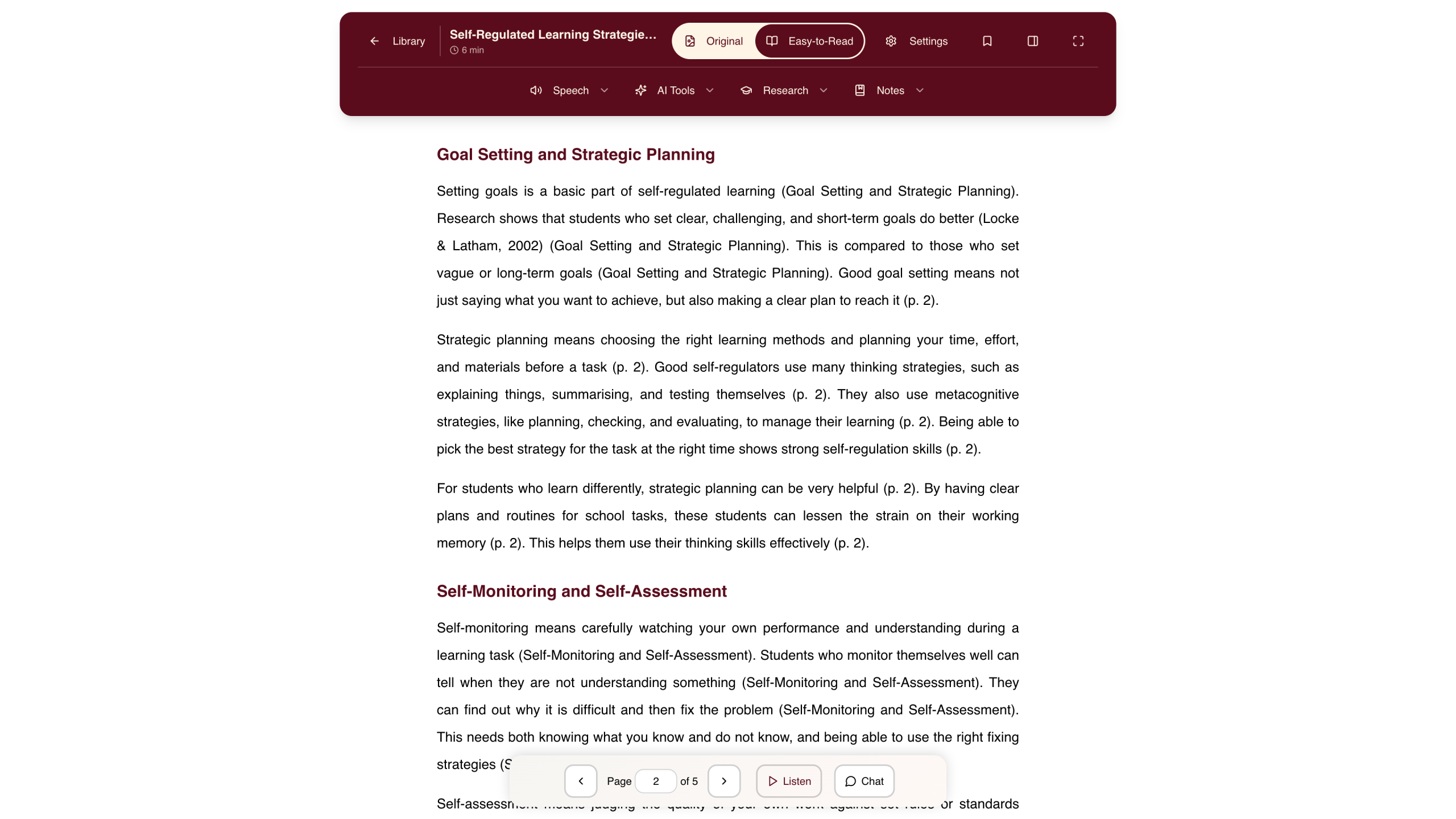
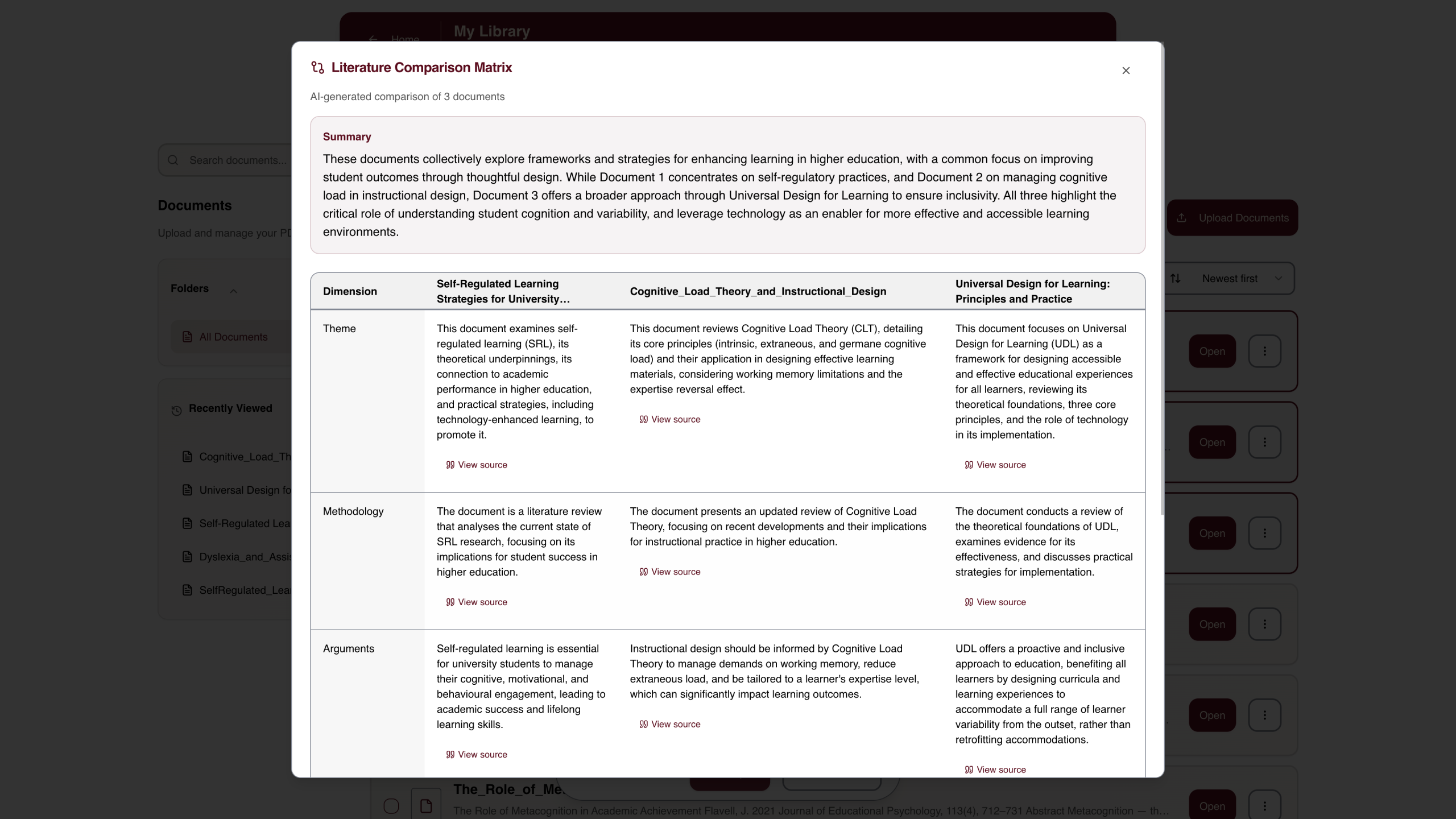
StudyCog fits naturally alongside other tools in a student’s support package. While it does include text-to-speech, planning, and organisational features, these are built into the research workflow rather than being standalone tools. You can recommend it for accessible research knowing it will not overlap with dedicated text-to-speech software, mind-mapping tools, or task management apps.
Key Features:
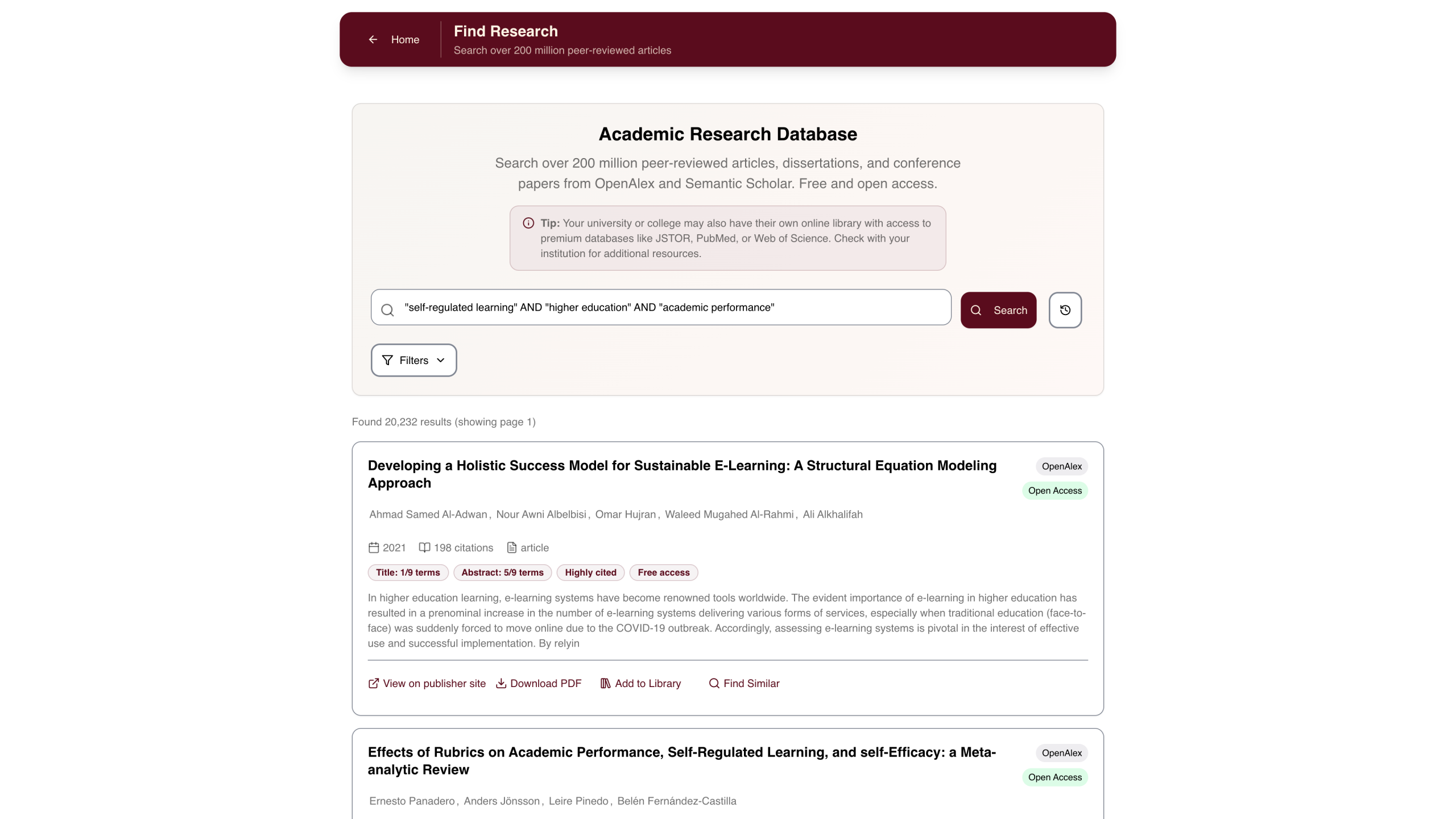
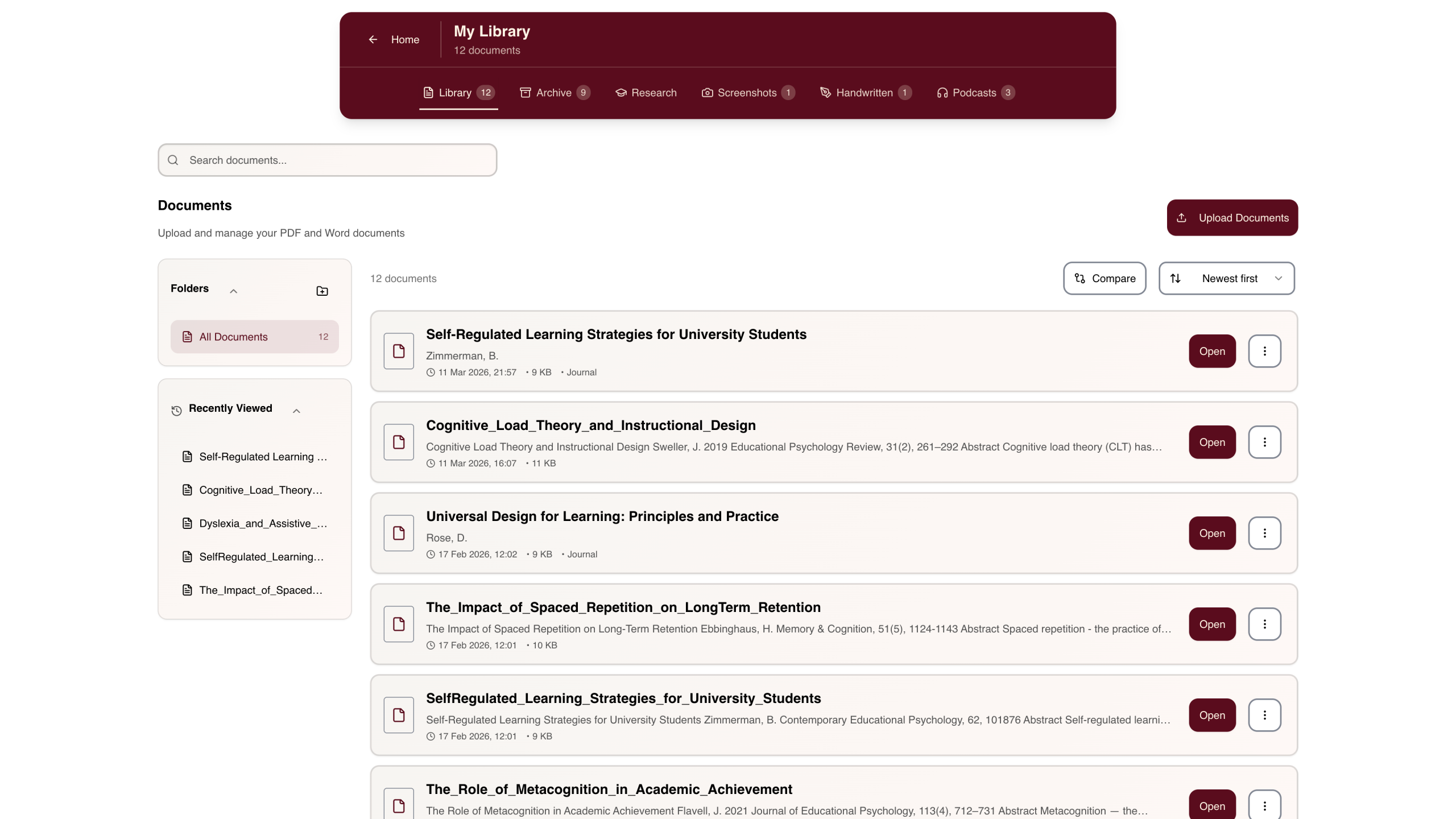
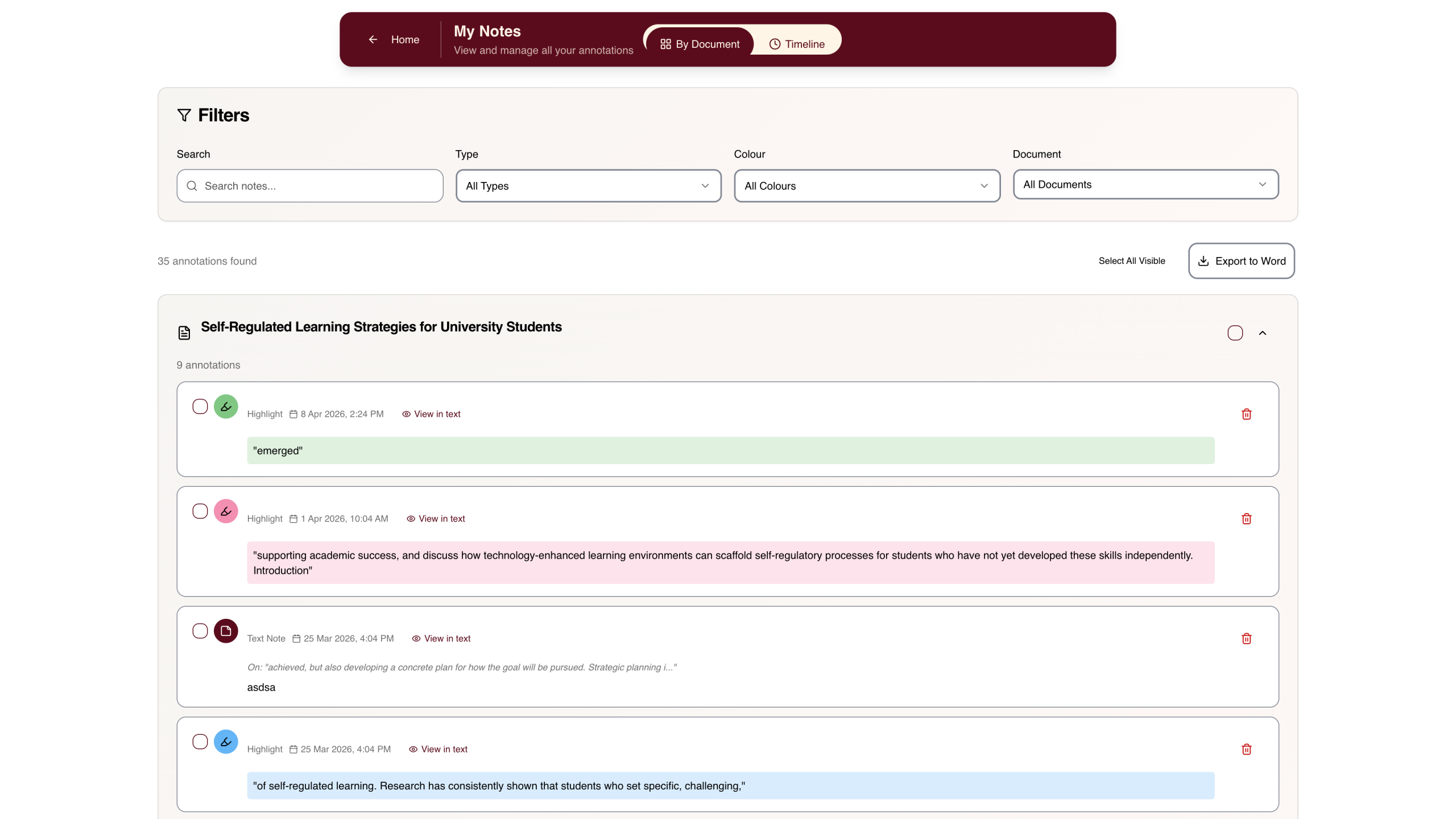
- Research Library – Access over 200 million academic papers. Discover related research with AI, compare sources side-by-side, and manage citations.
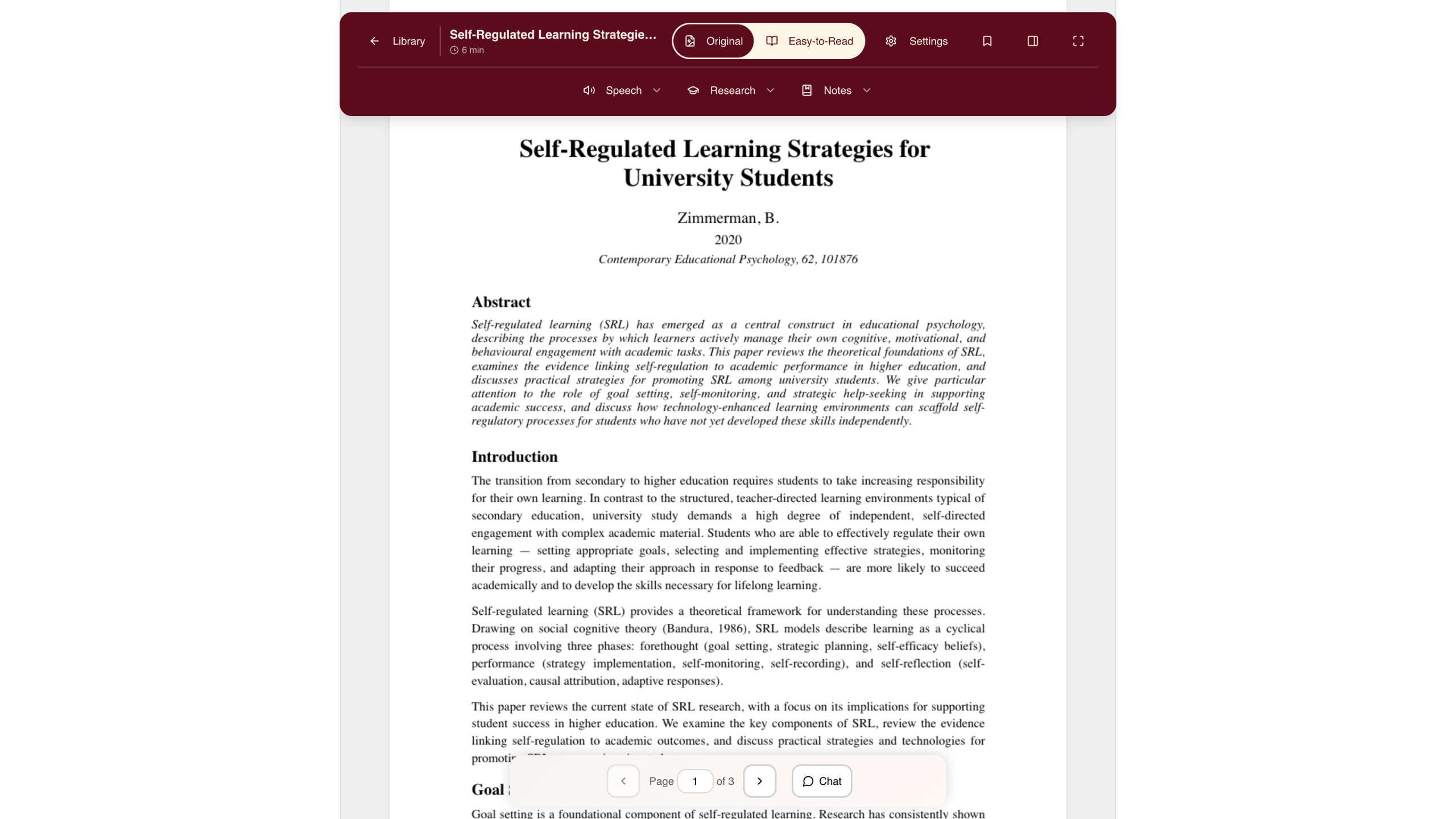
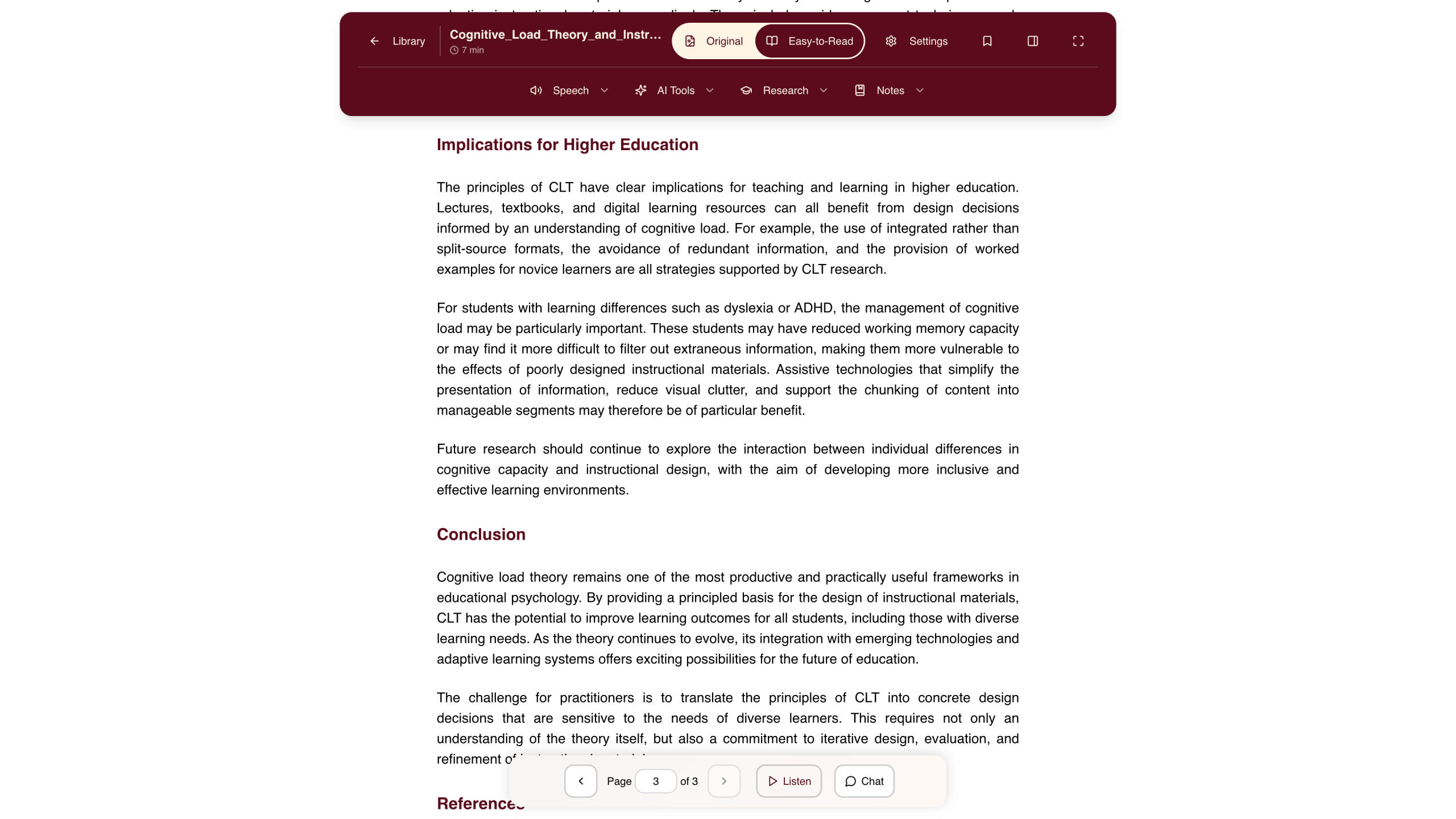
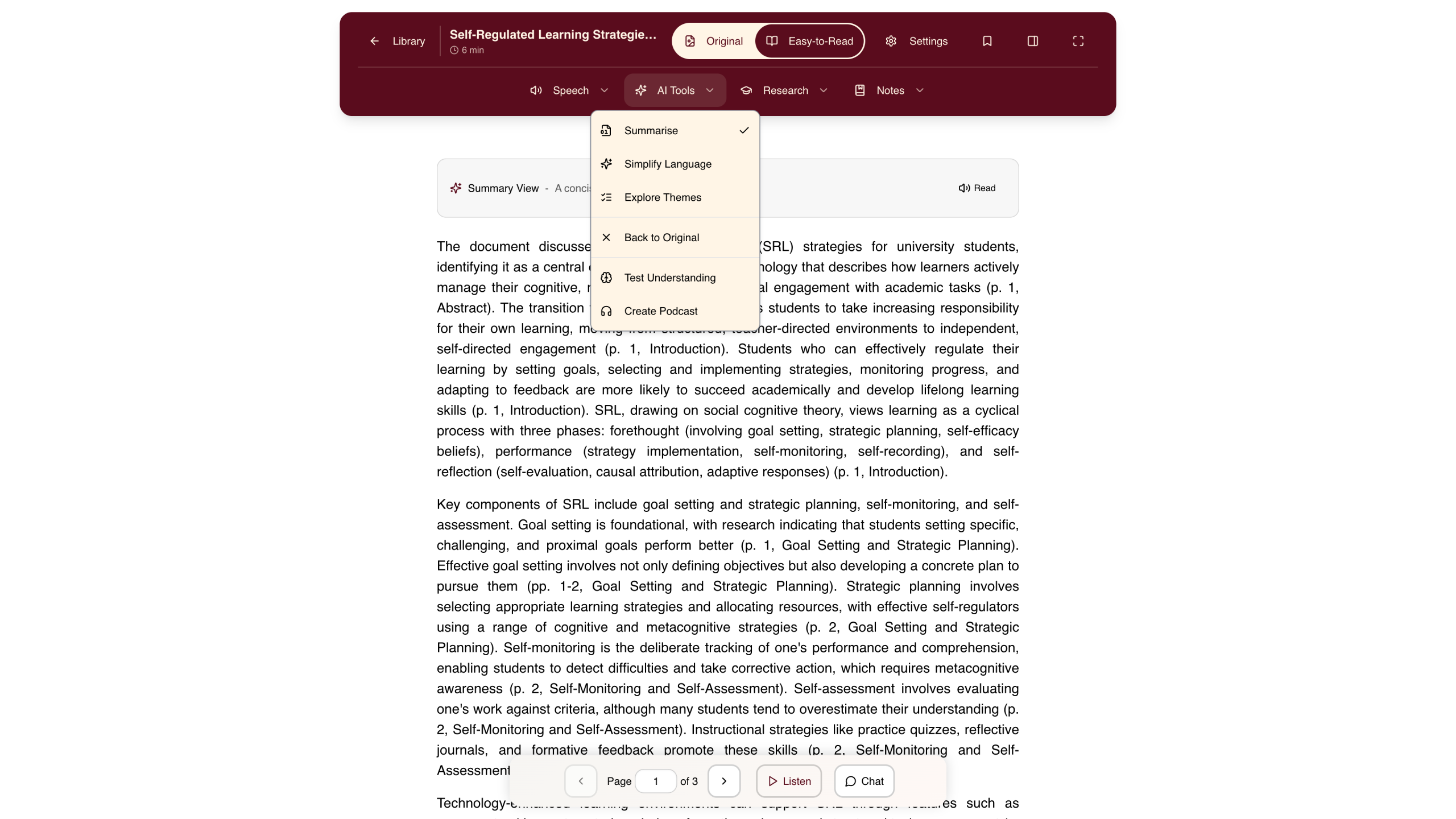
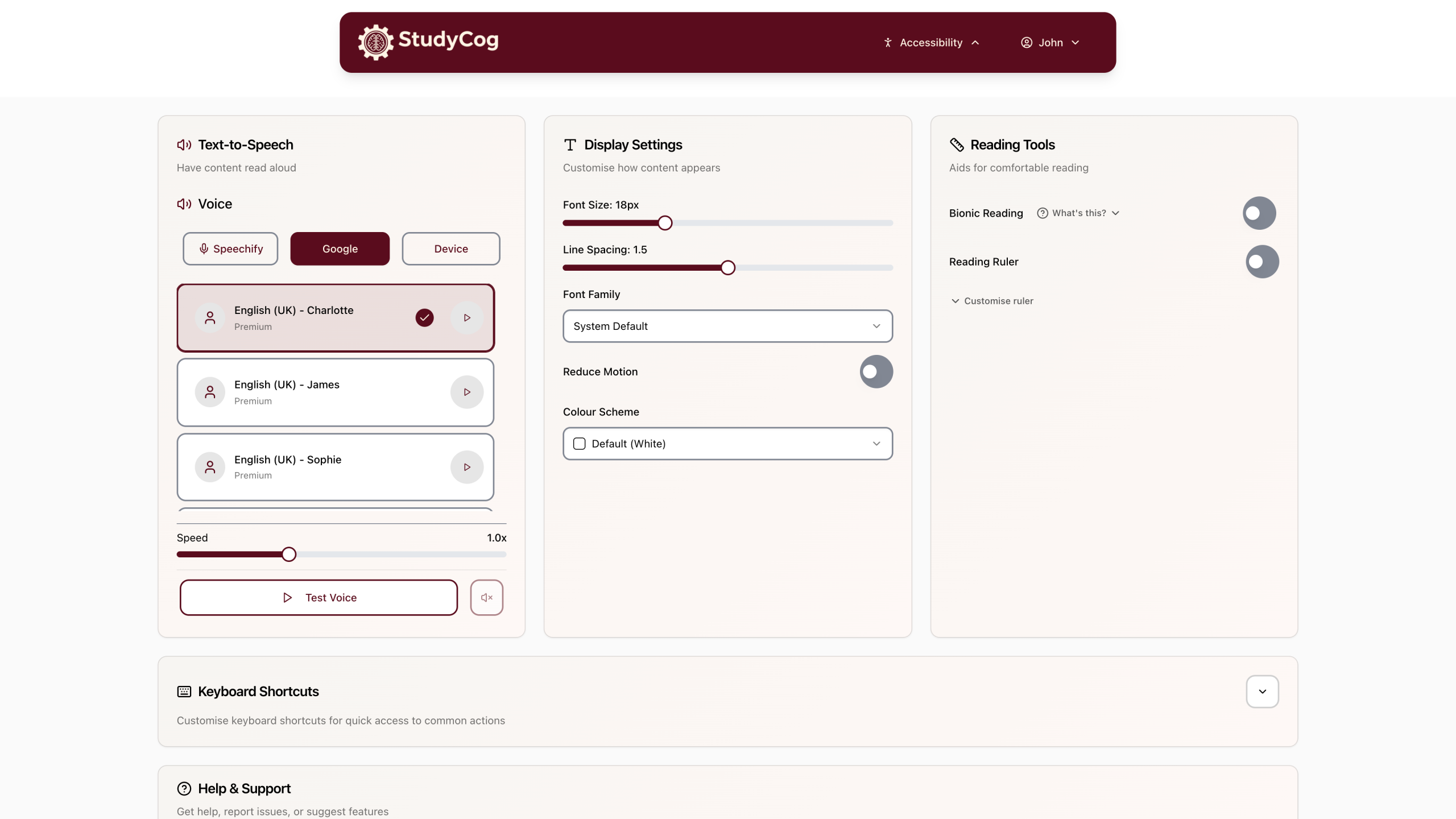
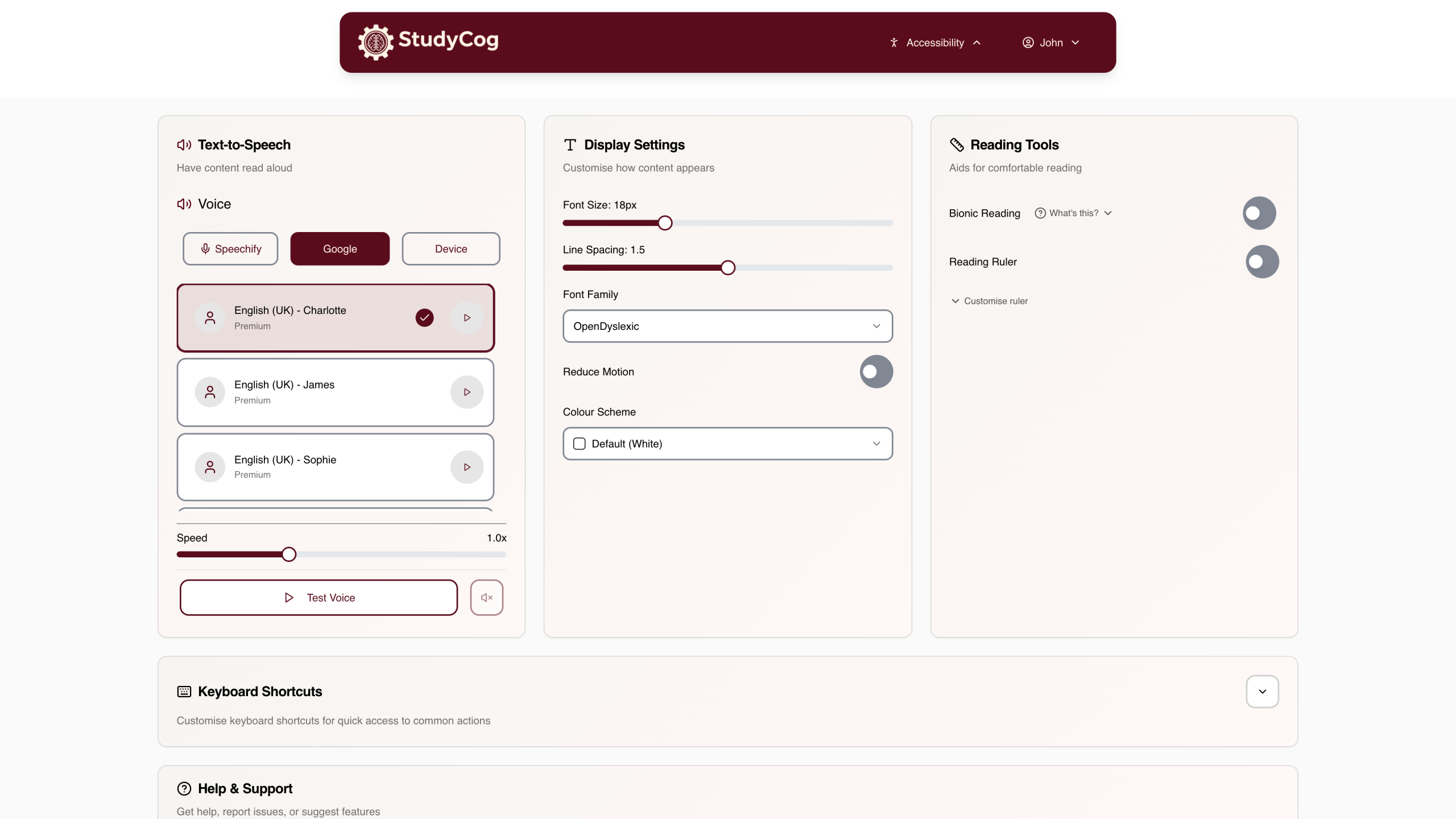
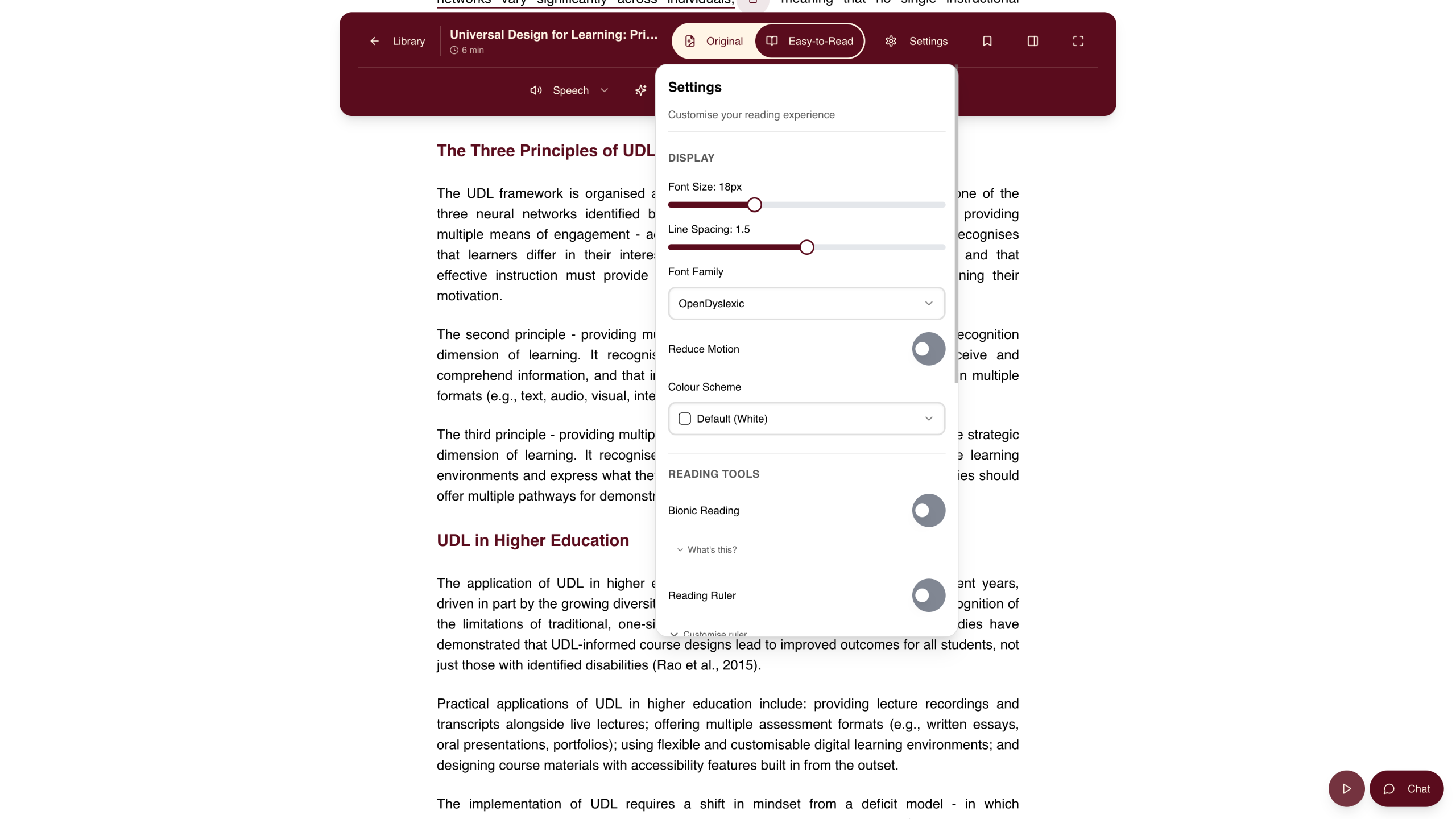
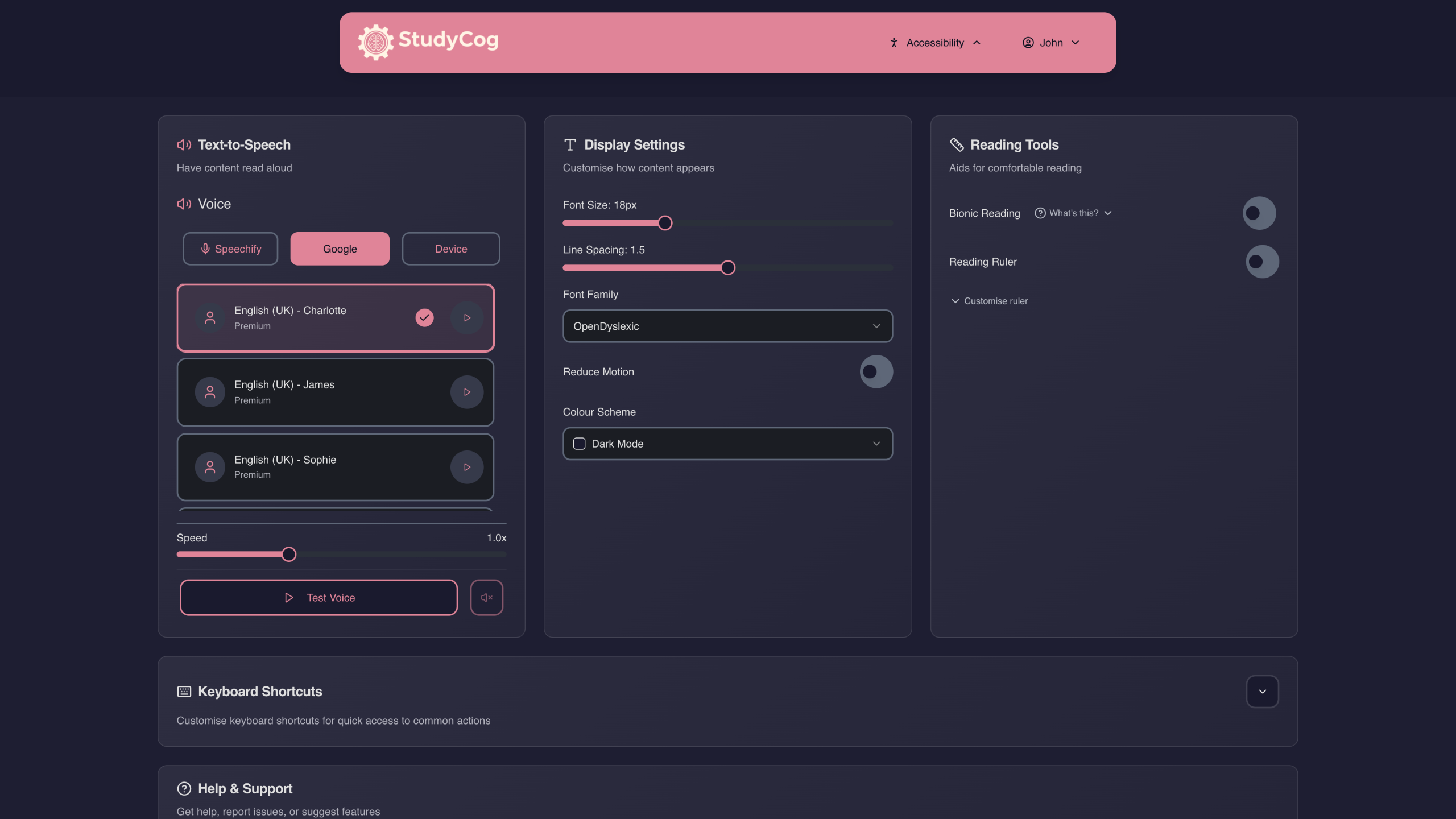
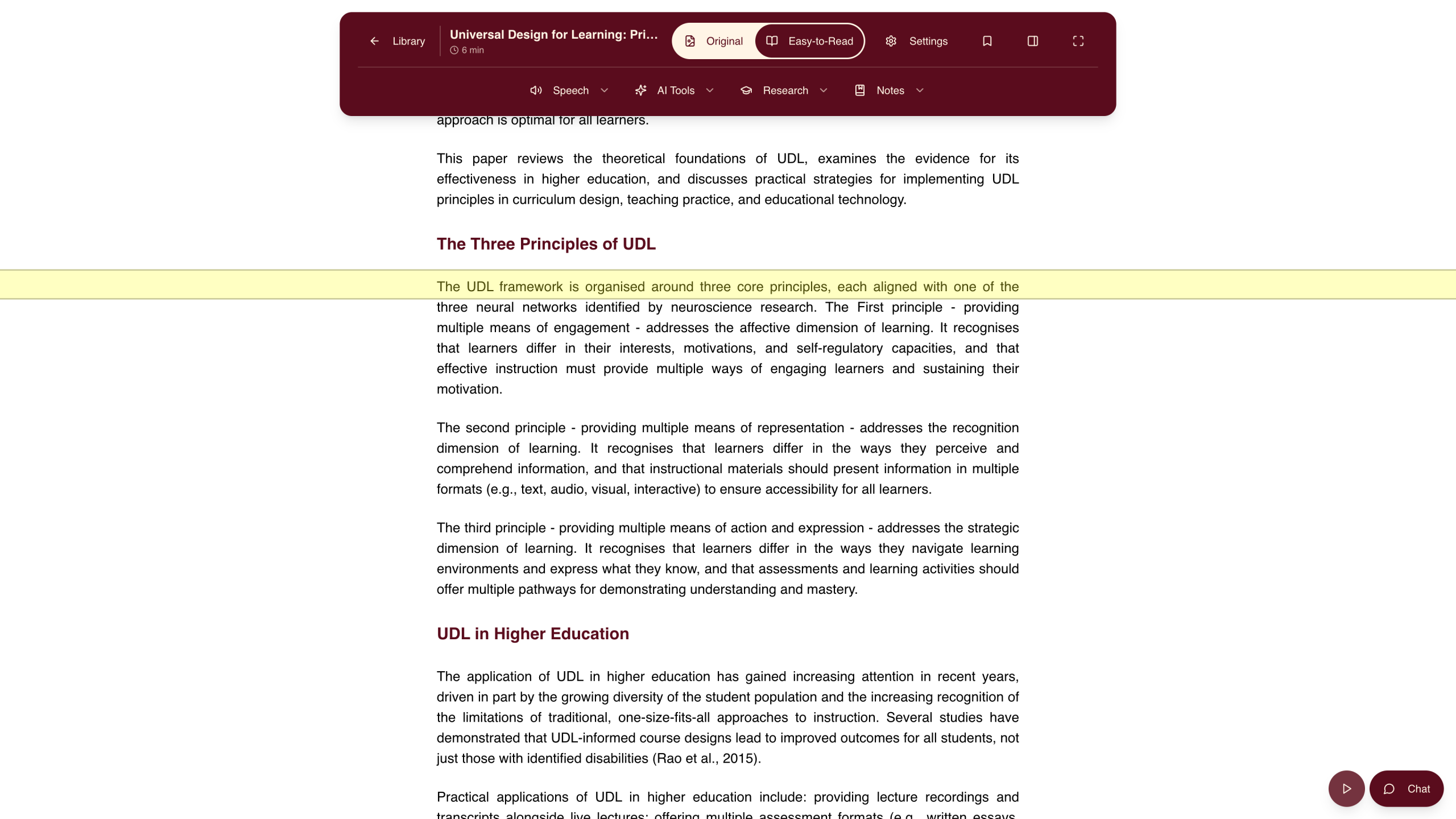
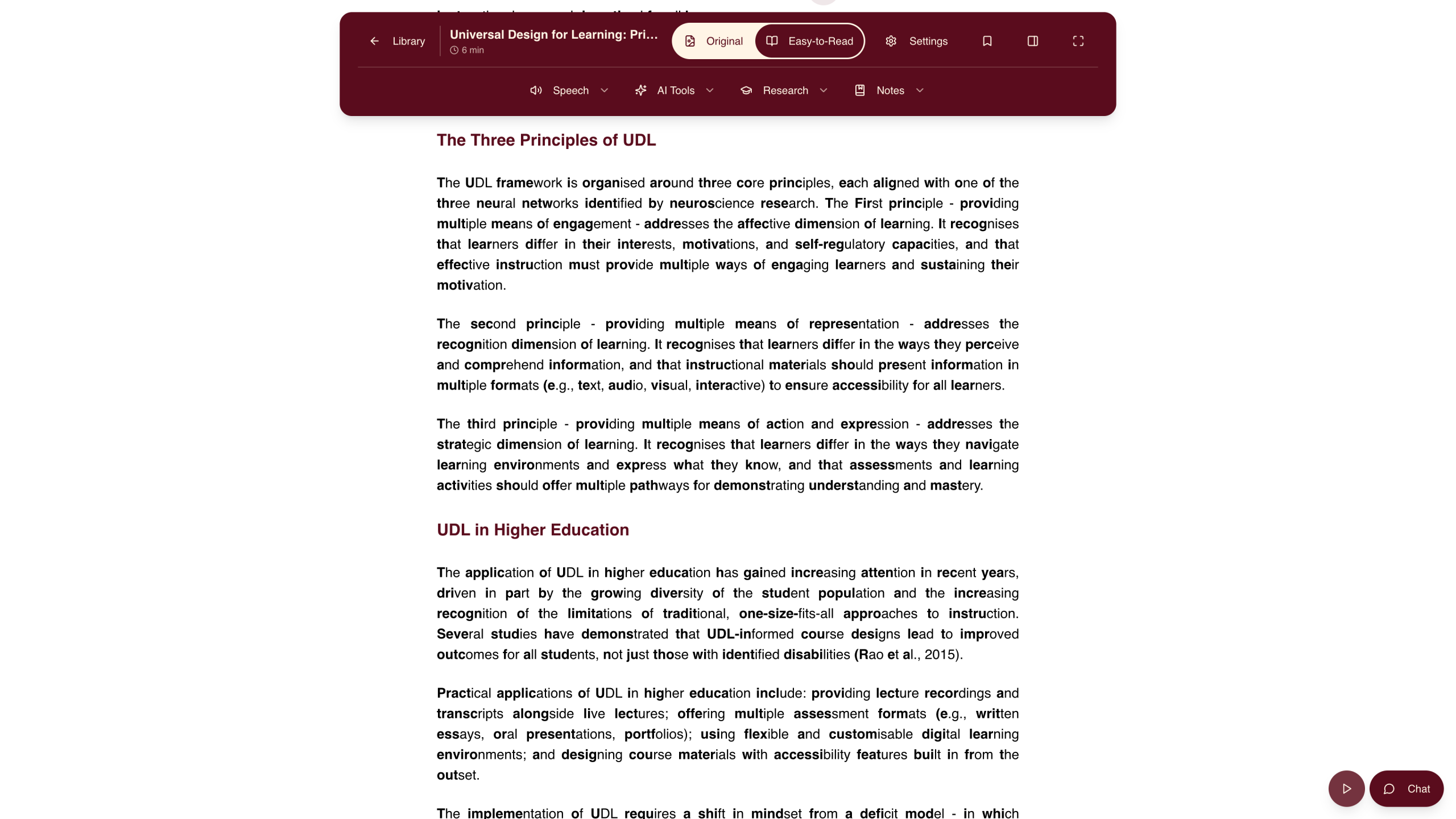
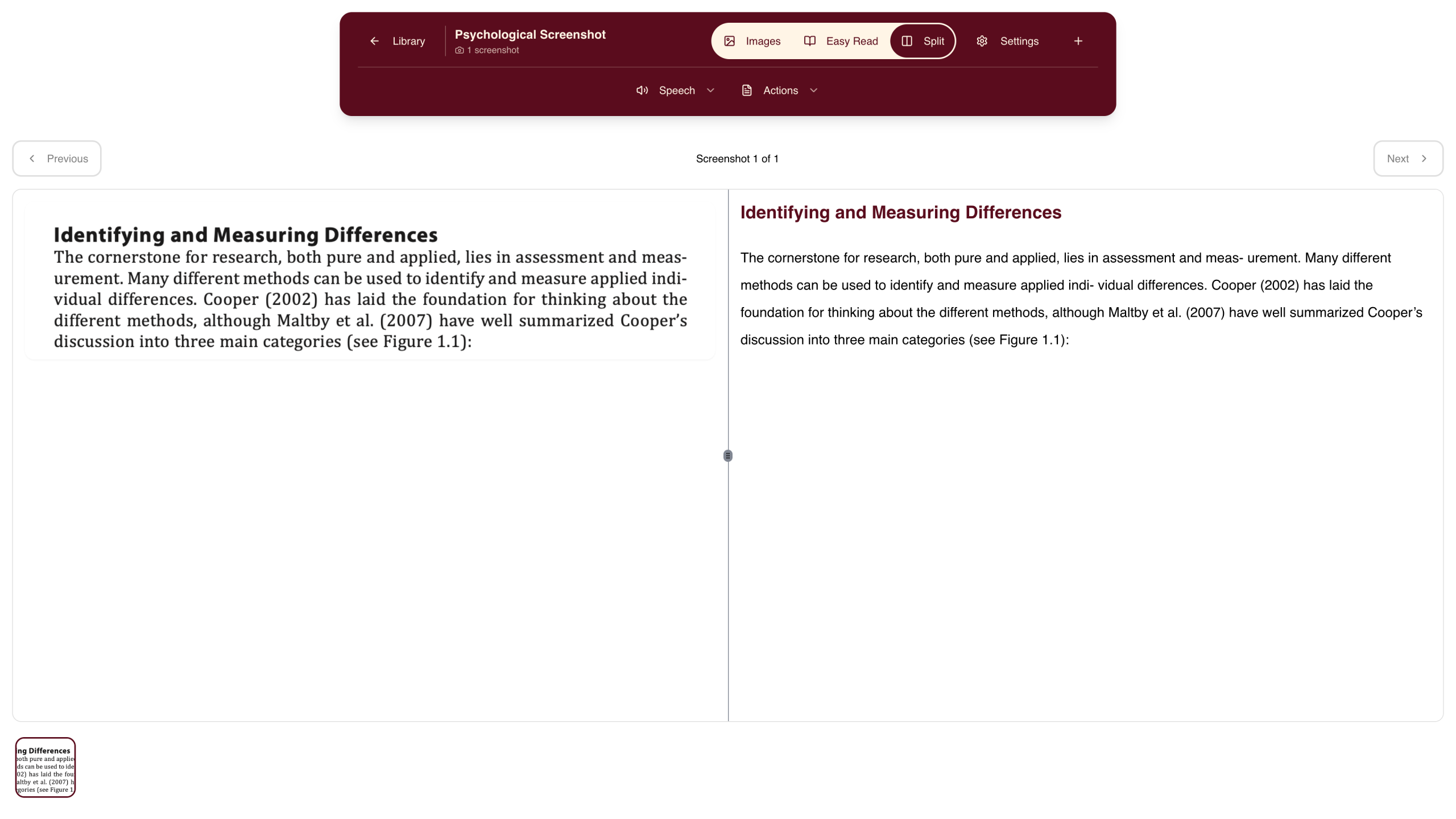
- Document Reader – Upload PDFs and Word documents to a reader designed for accessibility. Customise colours, fonts, and spacing to reduce visual disturbance.
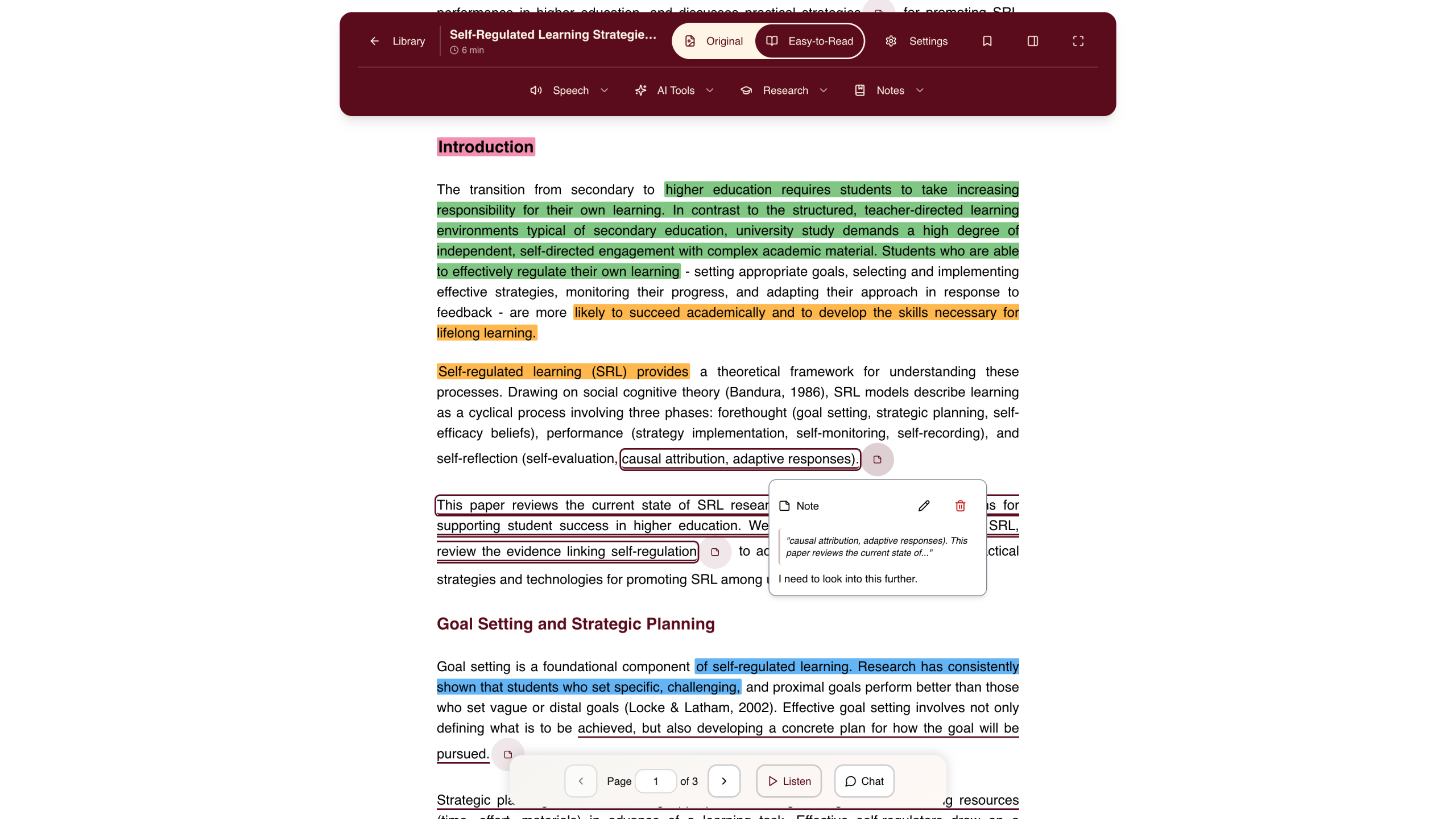
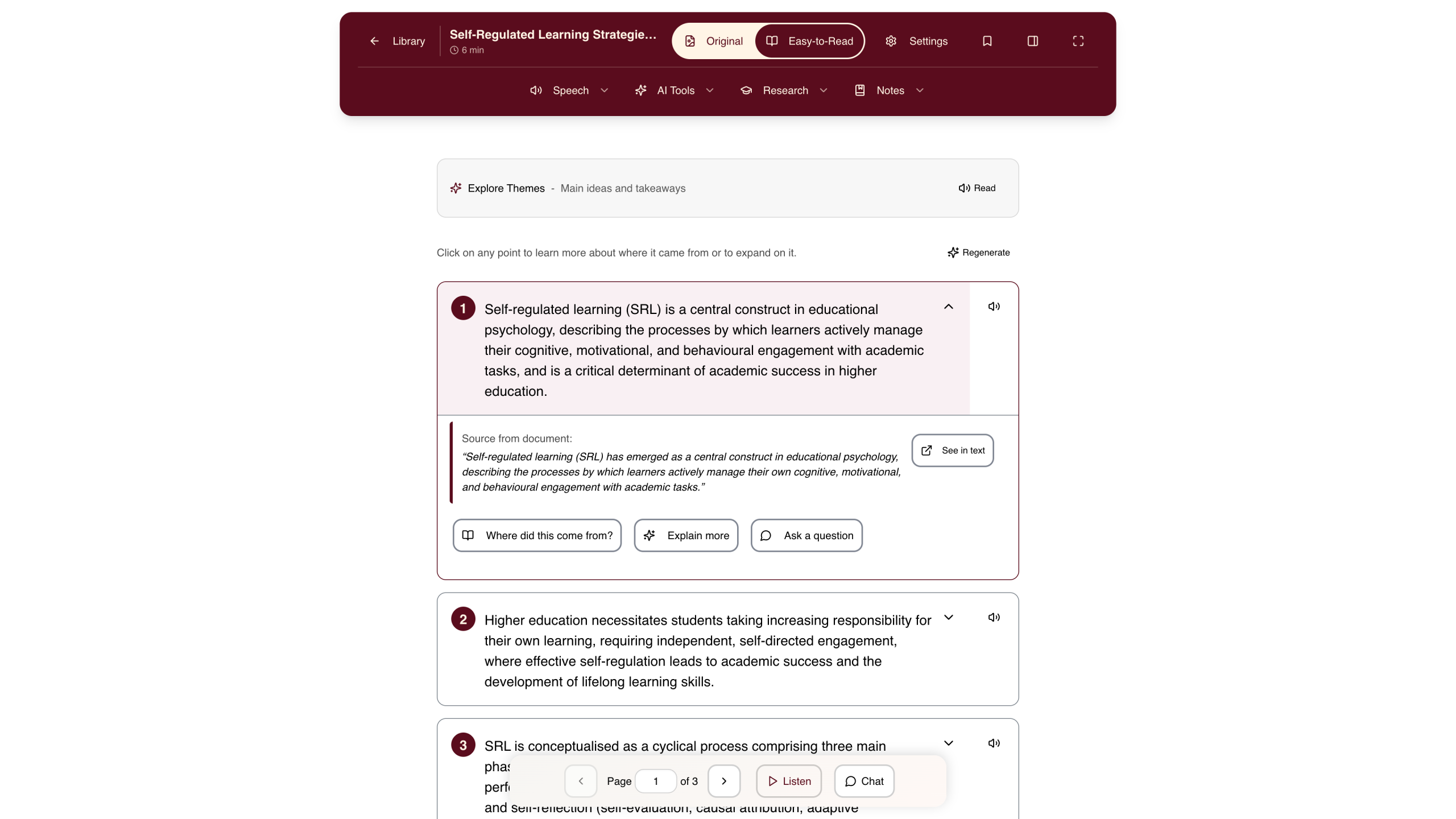
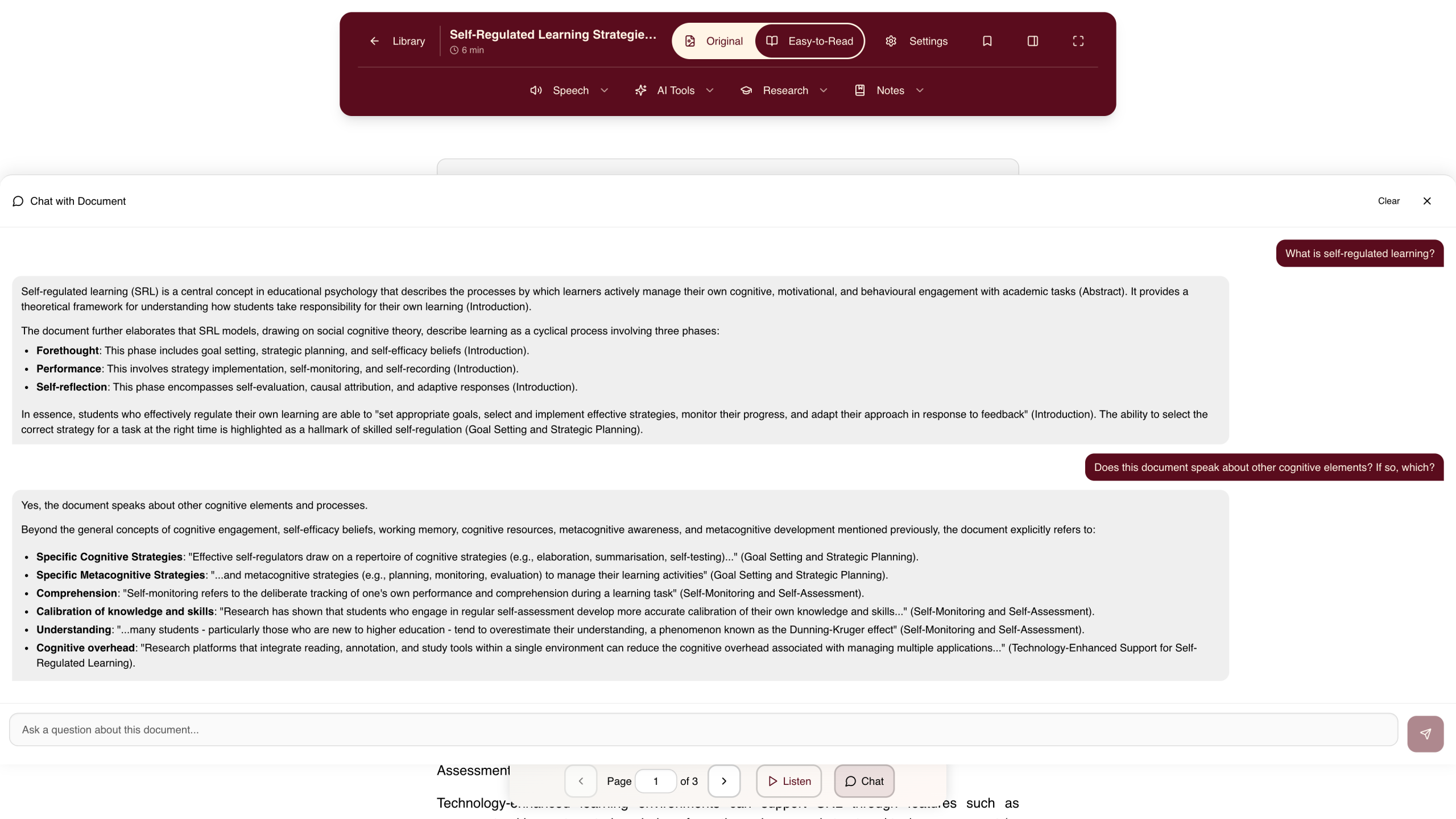
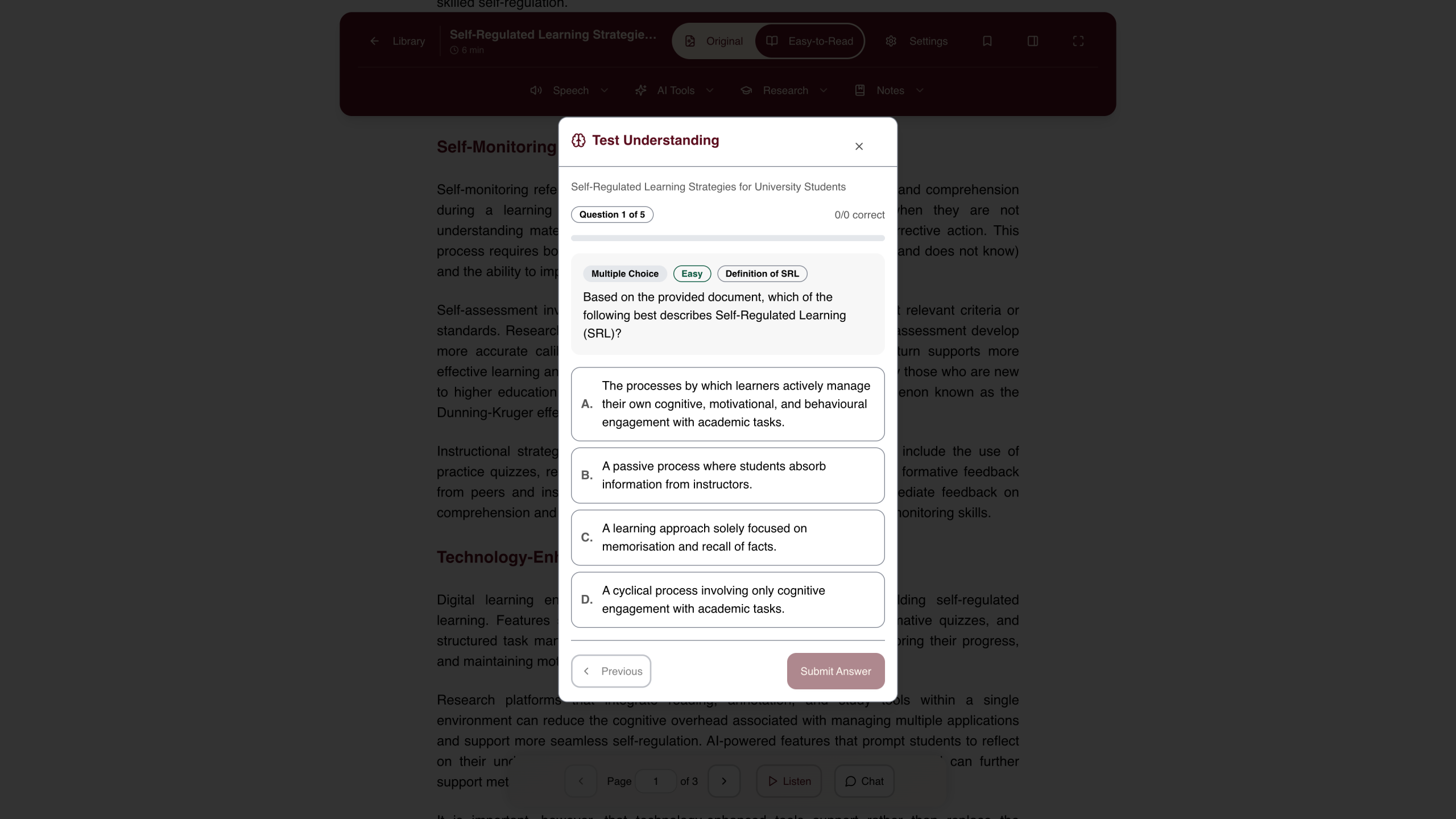
- Study Coach – Develop your thinking with Socratic questioning. Capture ideas in your Idea Bank, add annotations, and track your reading progress.
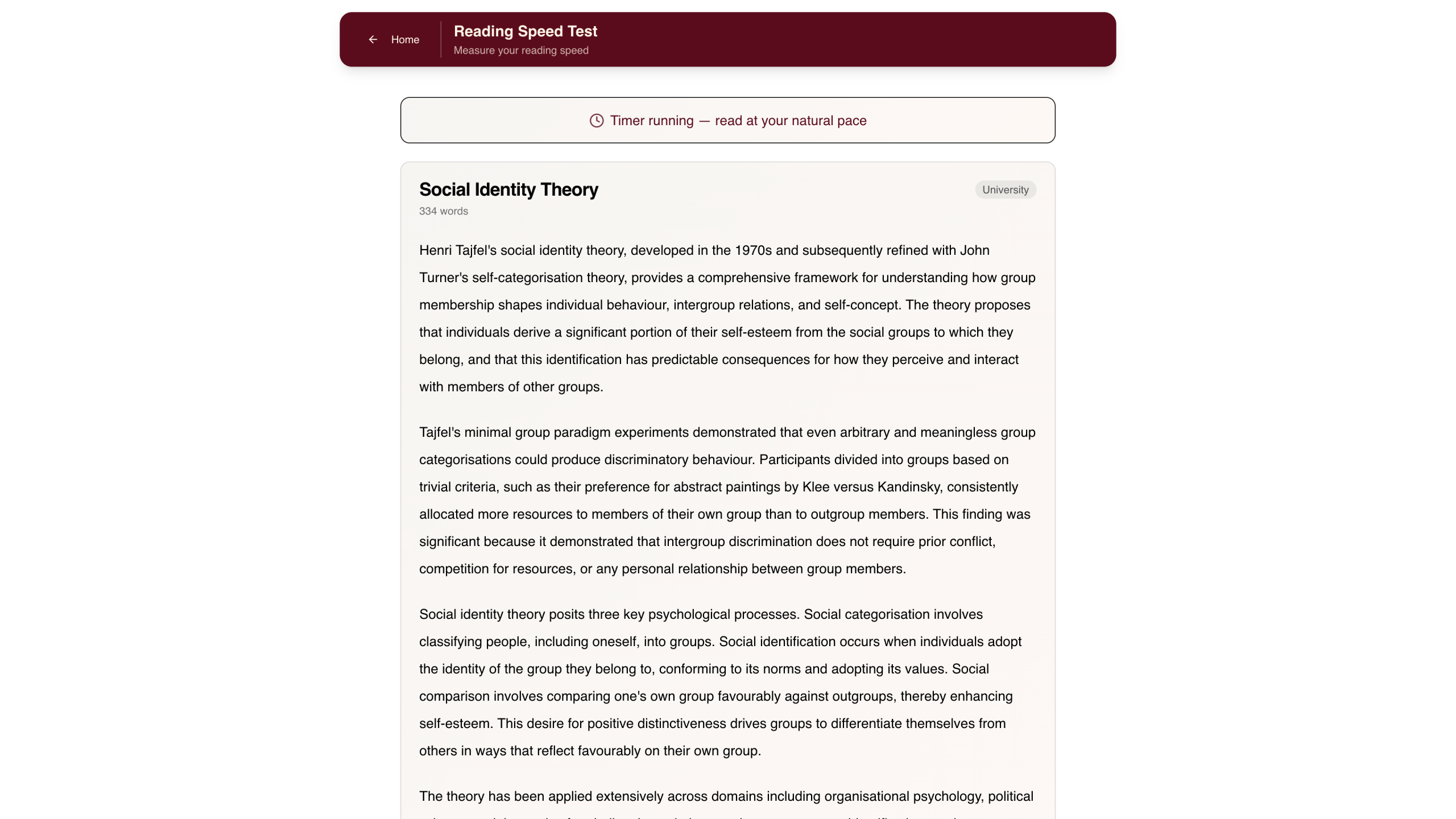
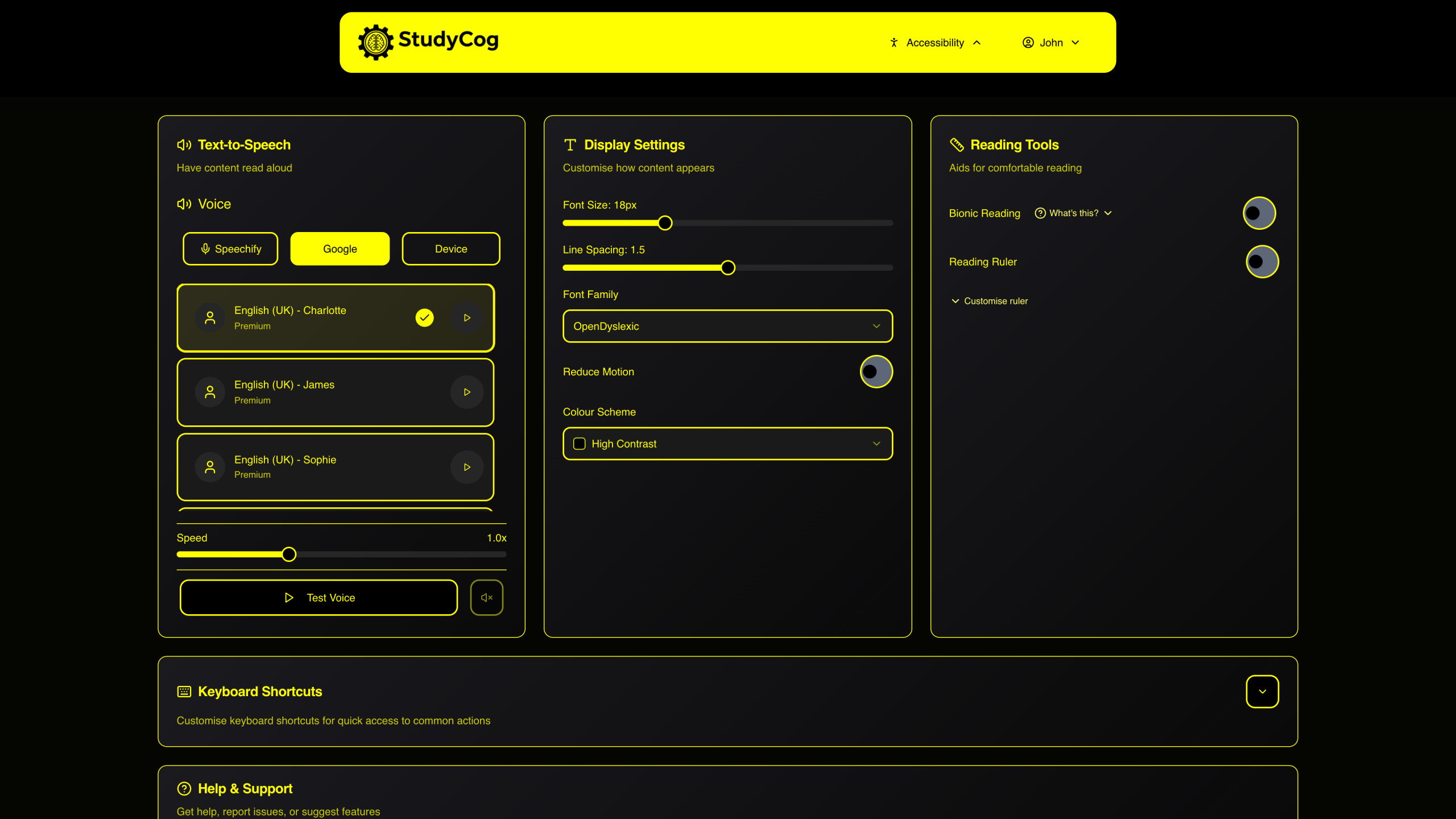
- Accessibility Hub – Built from the ground up for students with disabilities. Full keyboard navigation, screen reader support, bionic reading, and customisable display.
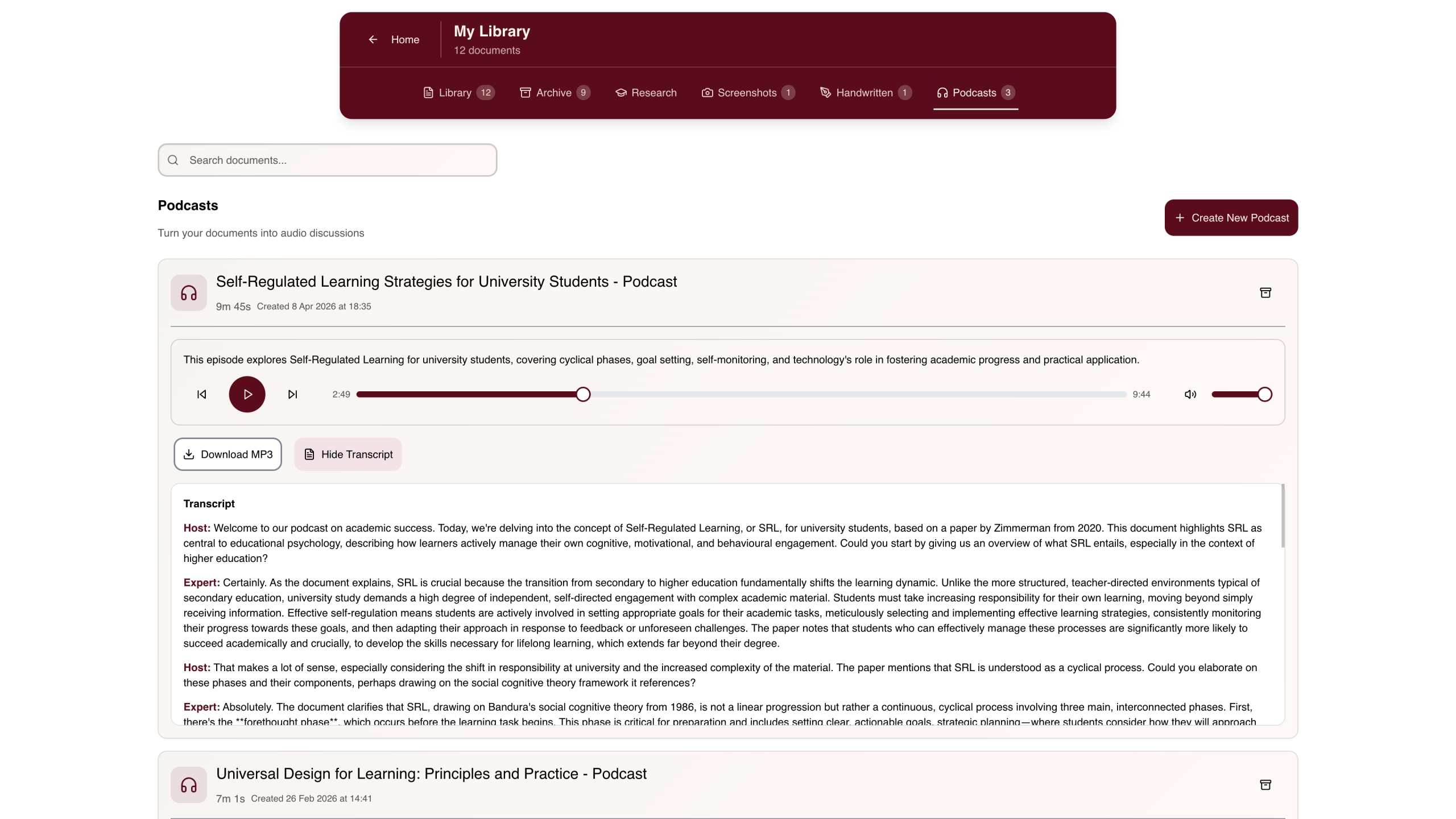
- Podcasts – Convert your documents into engaging audio discussions. AI extracts key topics and creates conversational podcasts you can listen to anywhere.
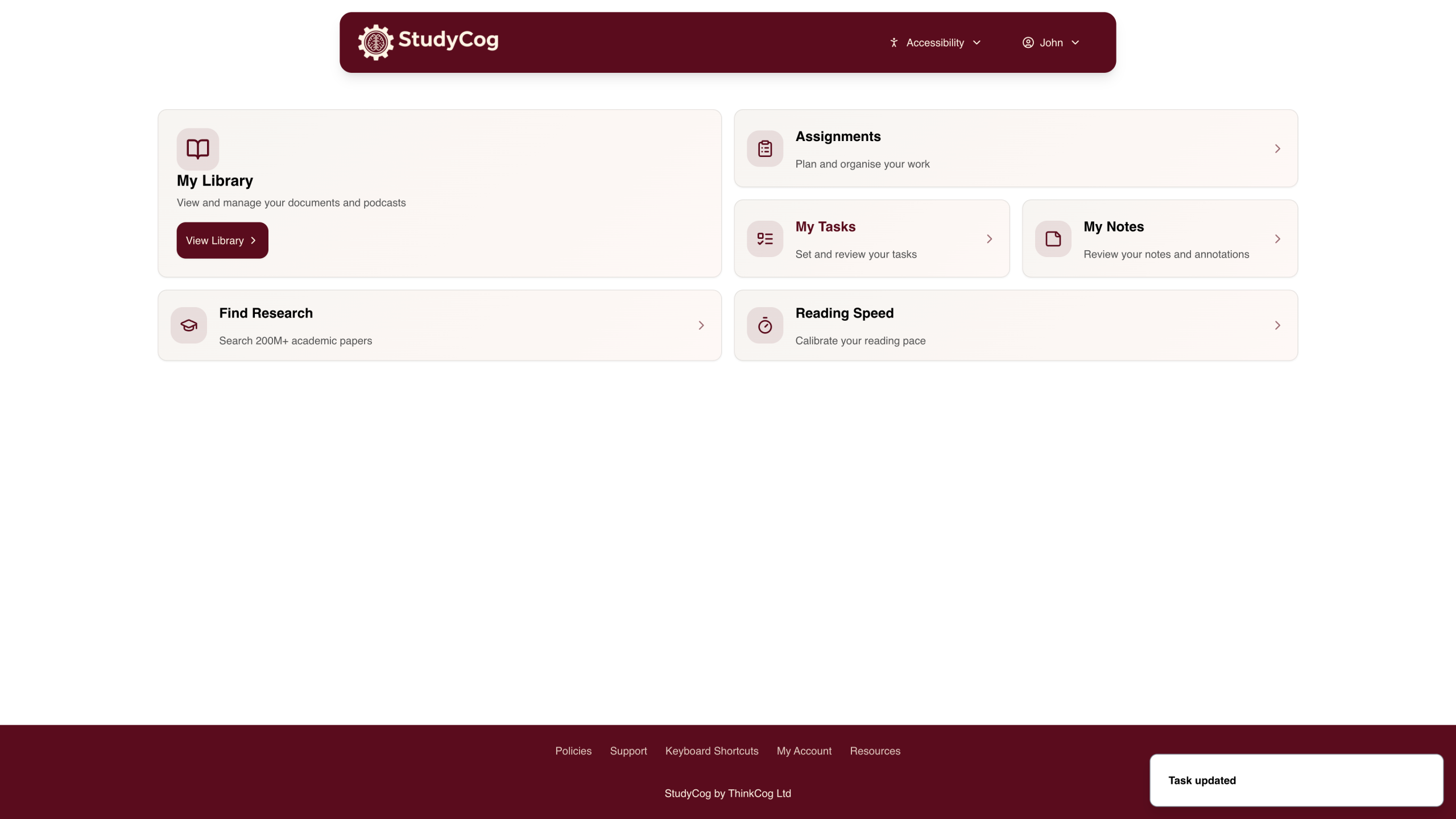
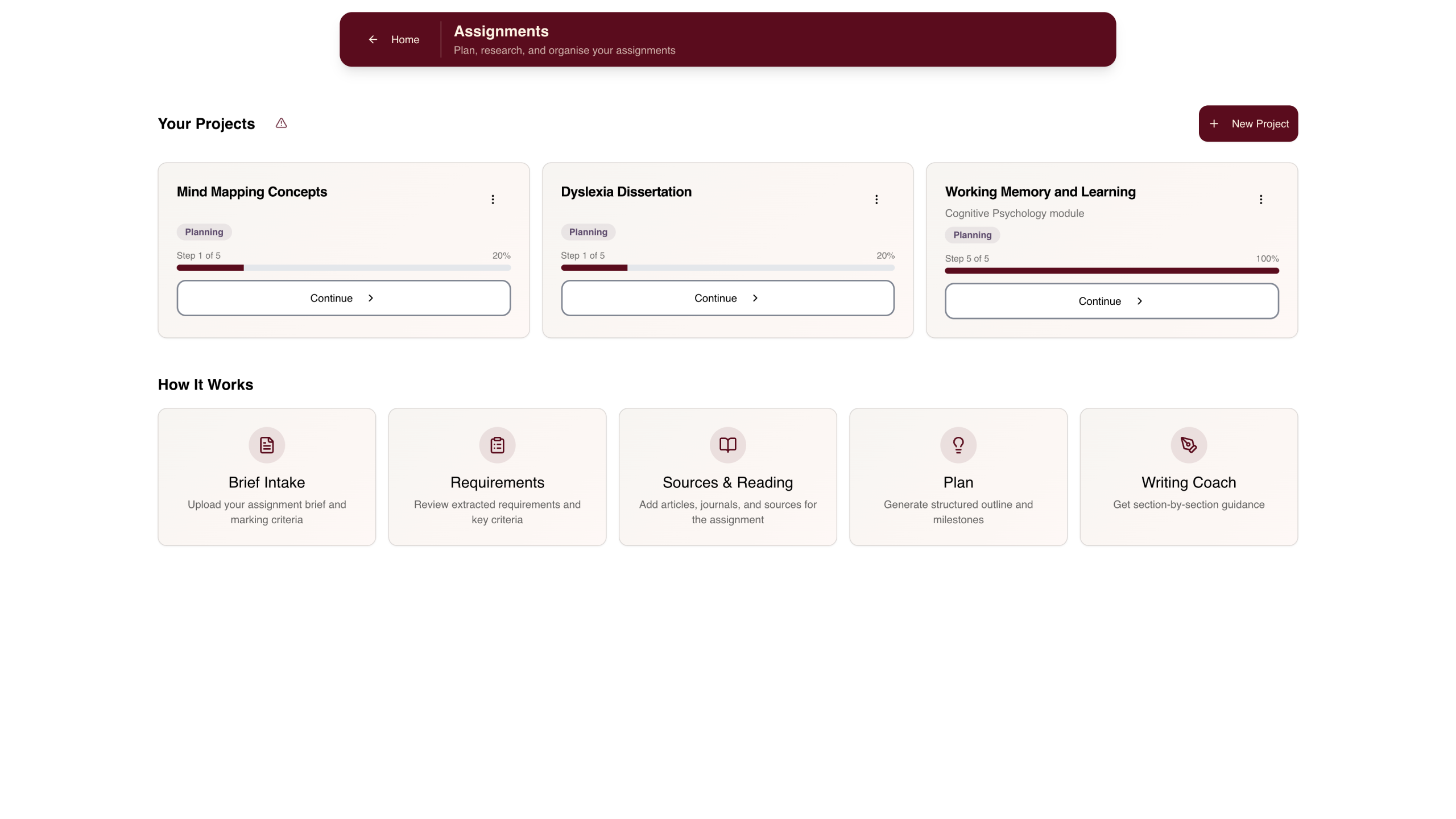
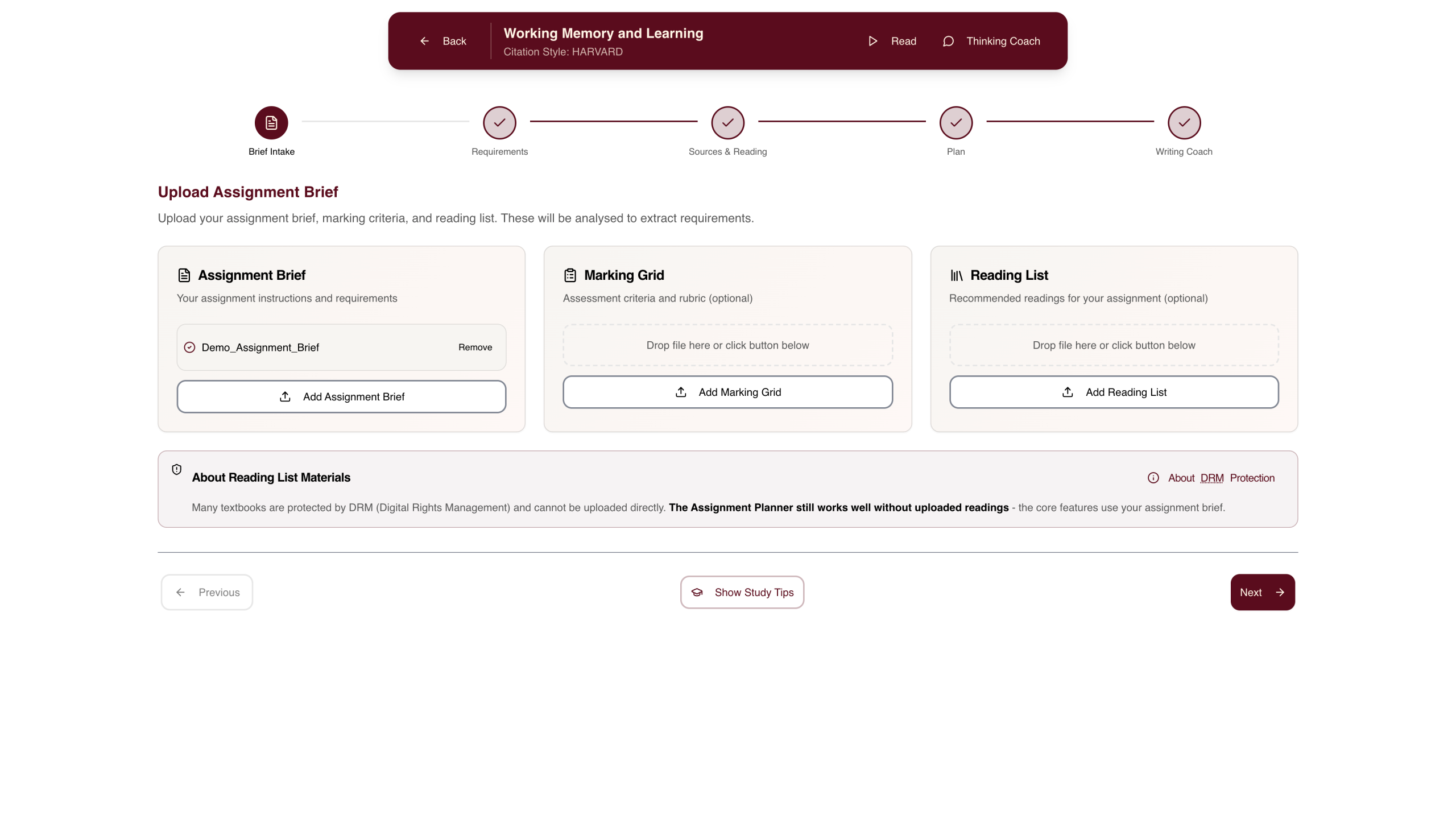
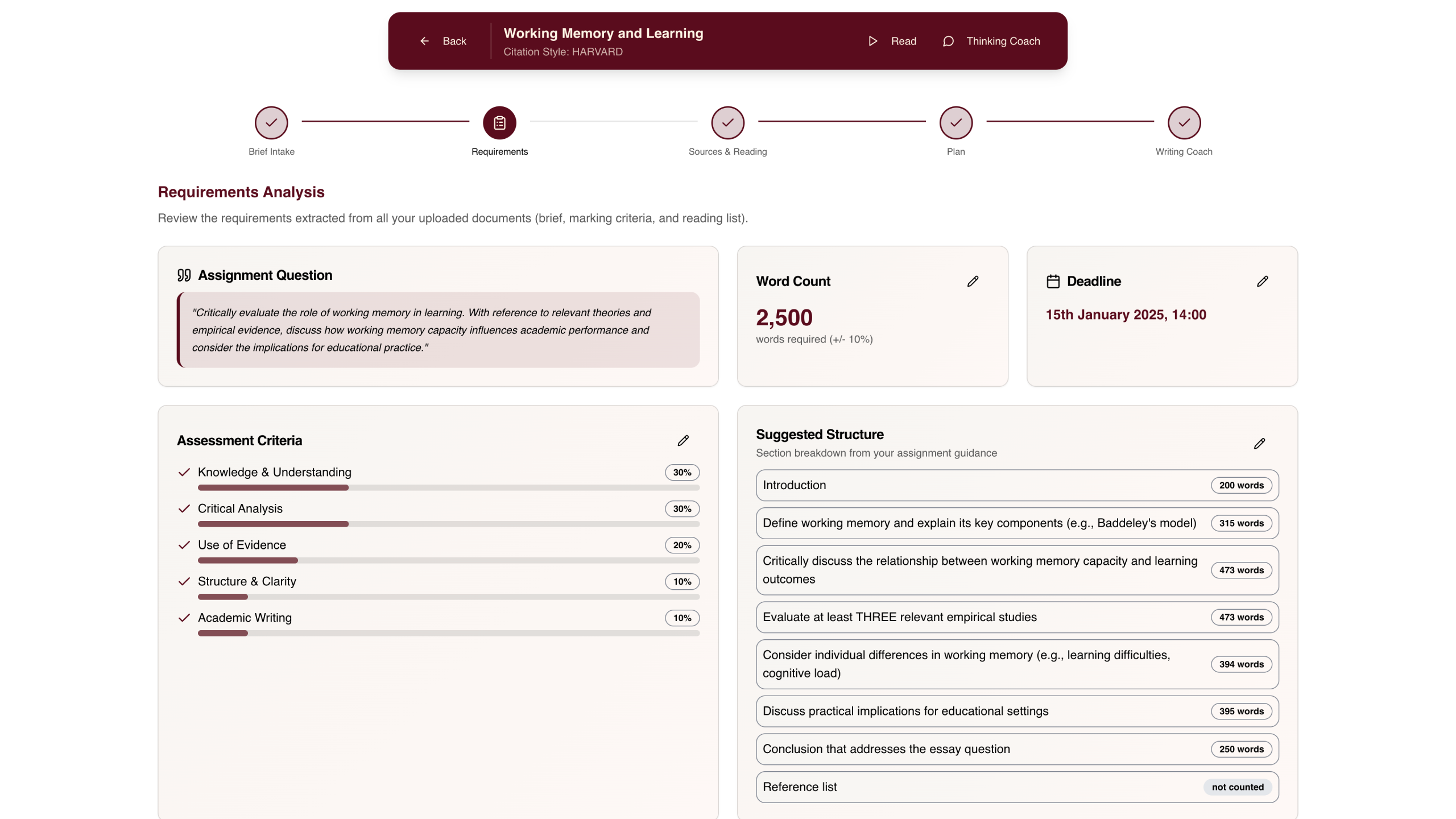
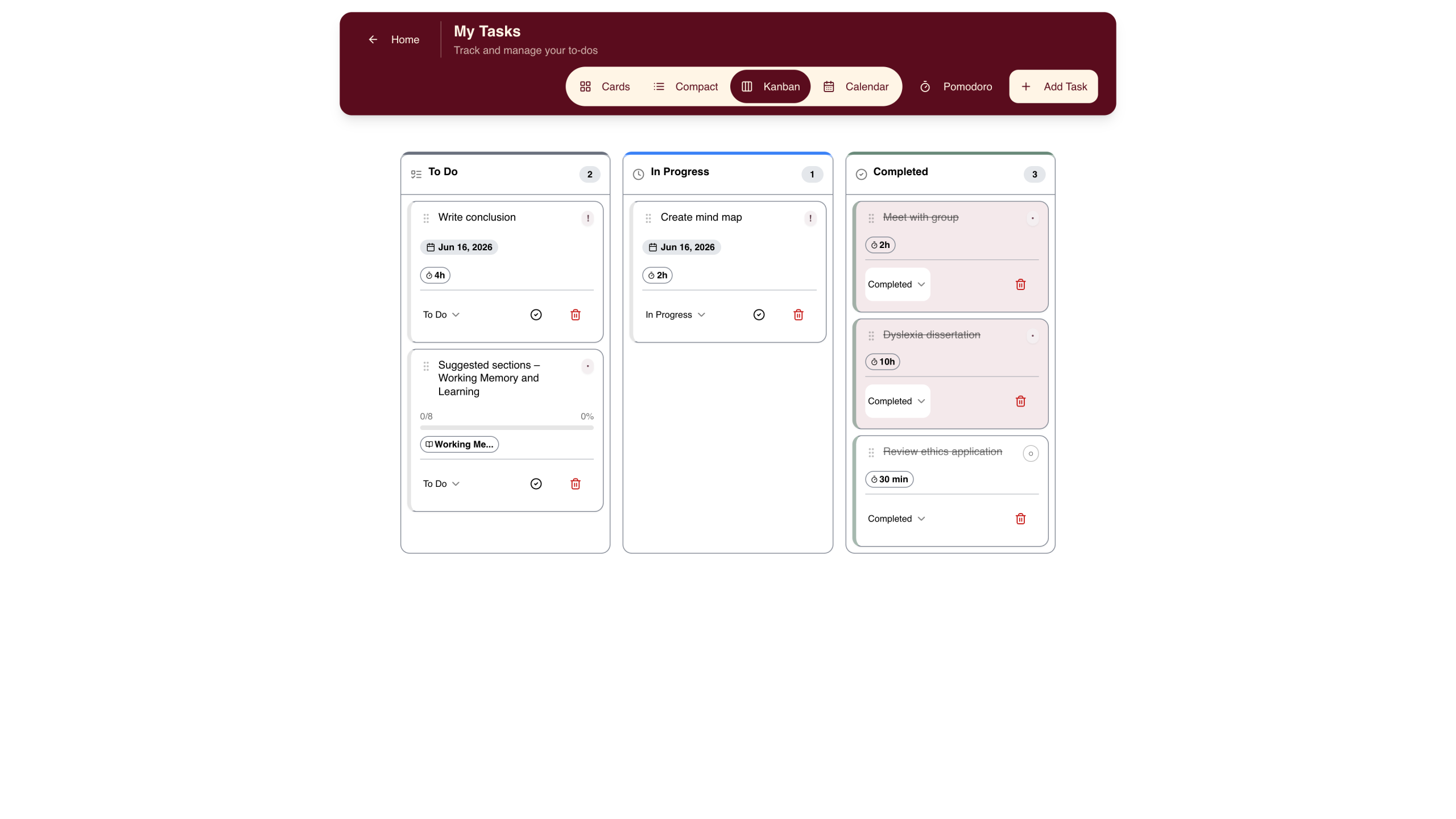
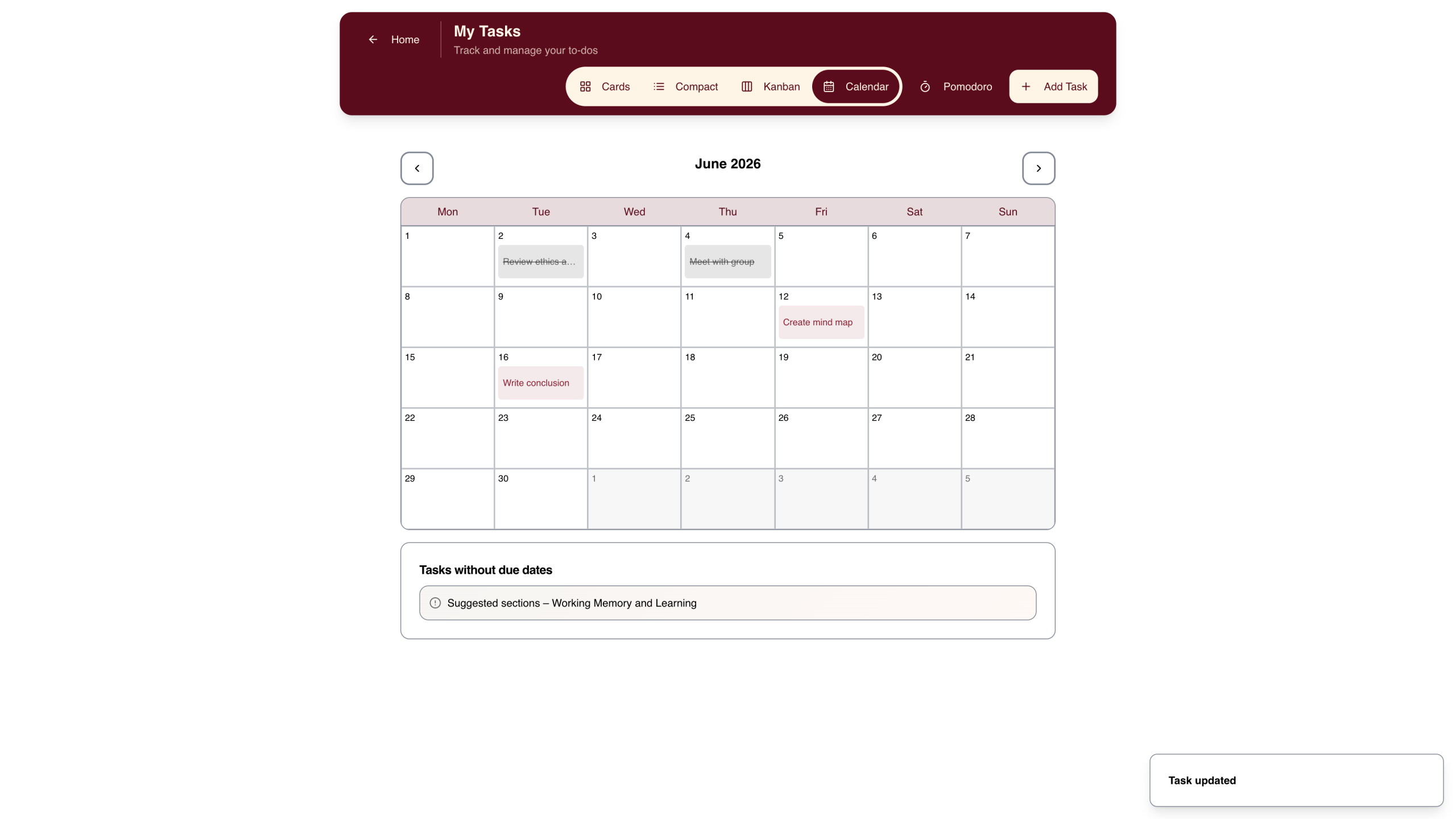
- Assignment Planner & Tasks – Break down assignments into manageable steps with AI guidance. Track deadlines, manage tasks, and stay organised.
- Text-to-Speech – Natural AI voices read your documents aloud with word-by-word highlighting. Helpful for students who are dyslexic, have ADHD, or have visual impairments.
- AI Writing Assistant – Get help structuring essays, overcoming writer’s block, and improving clarity. Support that keeps your work authentically yours.


